Reduce No-Shows for Yoga Classes Without the Chase

No-shows are frustrating. They disrupt class energy, leave spots unused, and make planning harder than it needs to be.
The good news: a few smart systems can make a big difference. Below are practical ways yoga businesses can reduce missed bookings, plus simple ways to set them up in Breely.
Most no-shows are not dramatic. They happen because people forget, double-book themselves, or lose momentum.
A few simple habits help:
Breely supports several of these tools directly through forms, automations, availability settings, and waitlisting. For example, Breely forms can send automated email and SMS messages, including reminders, after a booking is made .
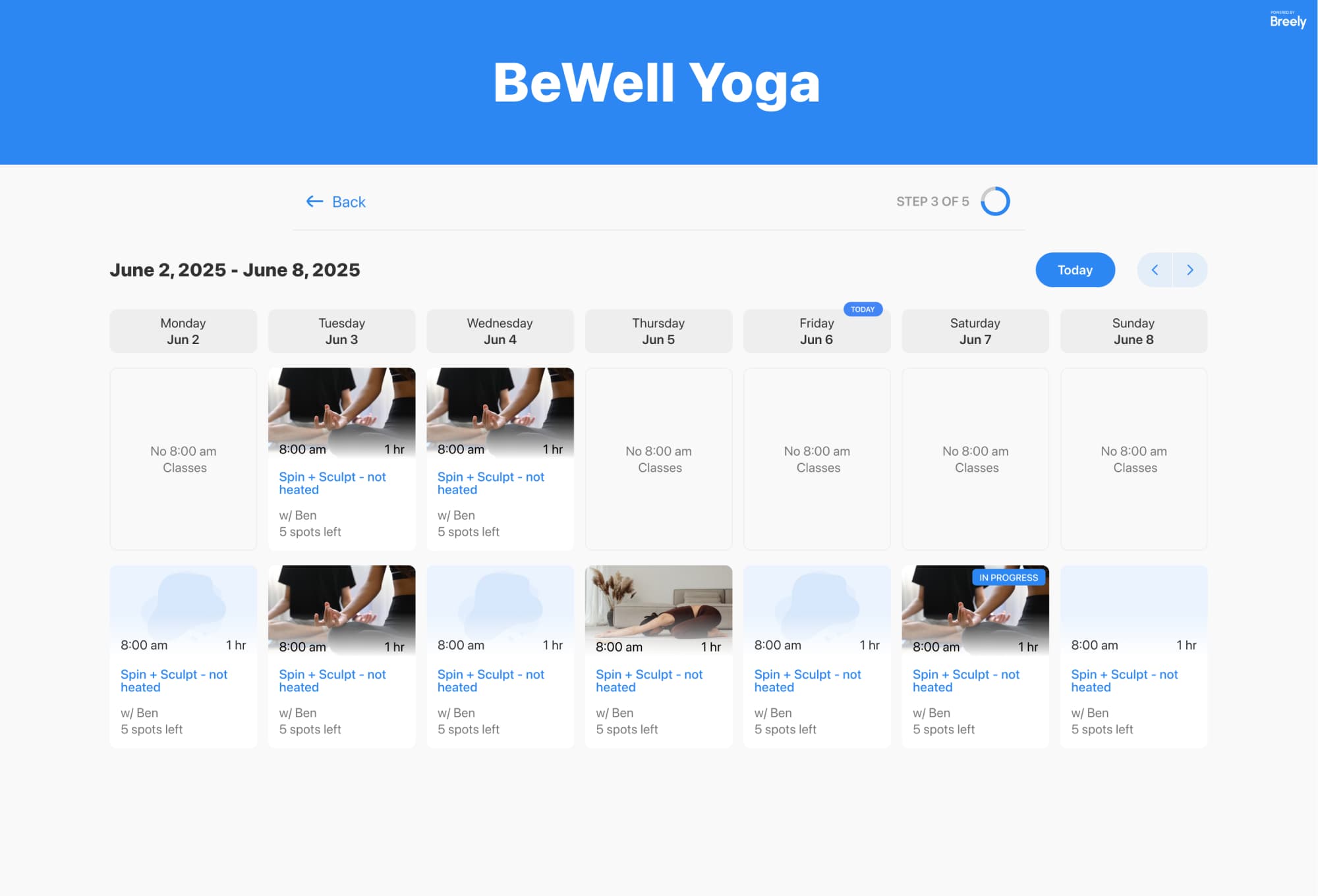
A well-timed reminder is one of the easiest ways to reduce no-shows. It gives clients a gentle nudge and helps them plan ahead.
For yoga studios and teachers, reminders work best when they are:
In Breely, reminders live inside your form automations. Breely supports automated email and SMS sends after form submission and based on appointment status, including reminders you can customize .
A simple reminder flow could include:
If you want fewer no-shows, this is a very good place to start.
Nothing increases missed sessions faster than confusing schedules. If your class times are unclear or slots appear inconsistently, clients are more likely to book casually and forget.
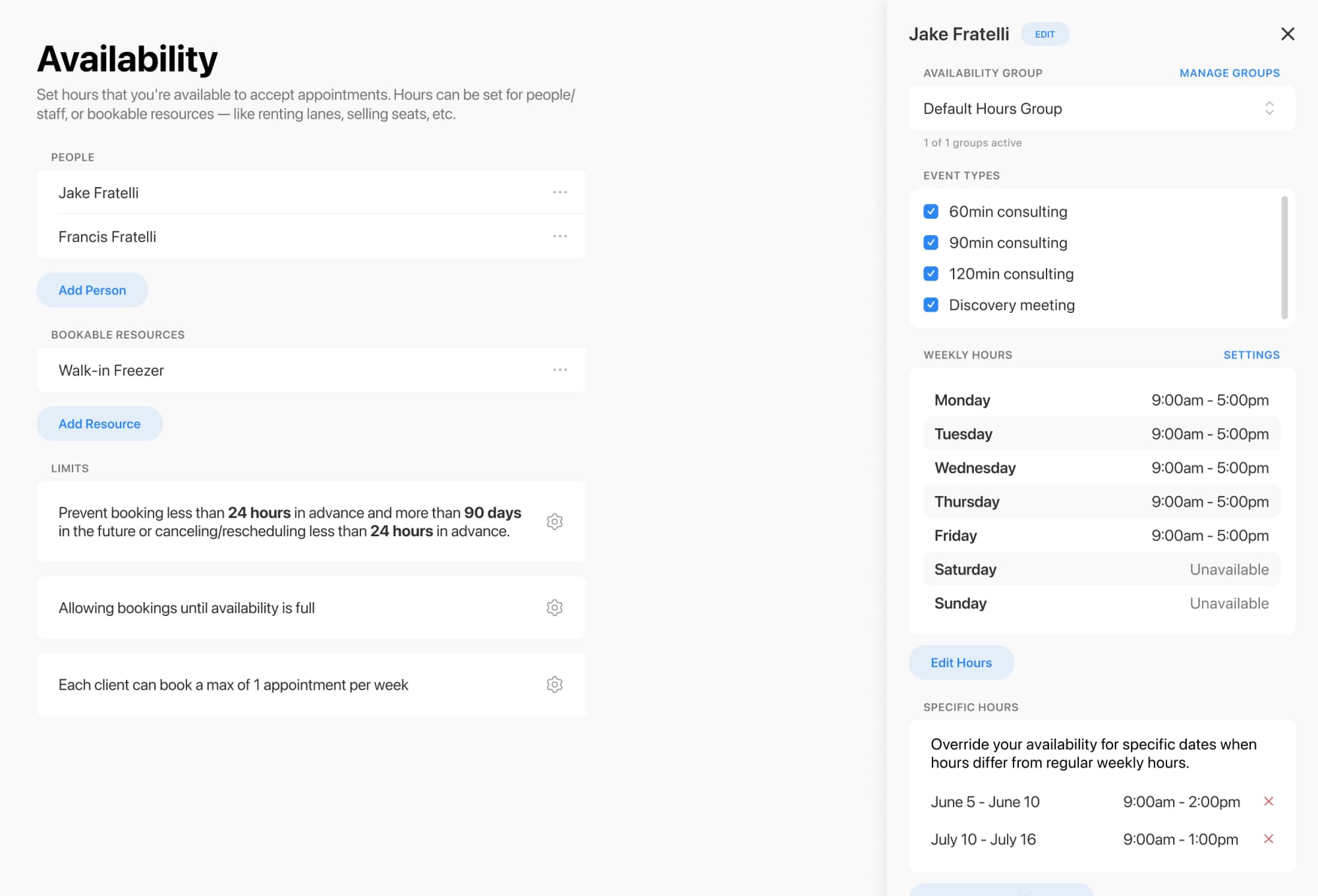
Breely lets you tighten this up by setting availability for people, resources, and event types. You can also limit how many upcoming appointments a client can hold, or cap bookings by week or month to prevent overbooking behavior .
For yoga businesses, that can look like:
If a booking time is not appearing correctly, Breely recommends checking availability setup, event type rules, and calendar blocks to make sure your live schedule matches what clients should see .
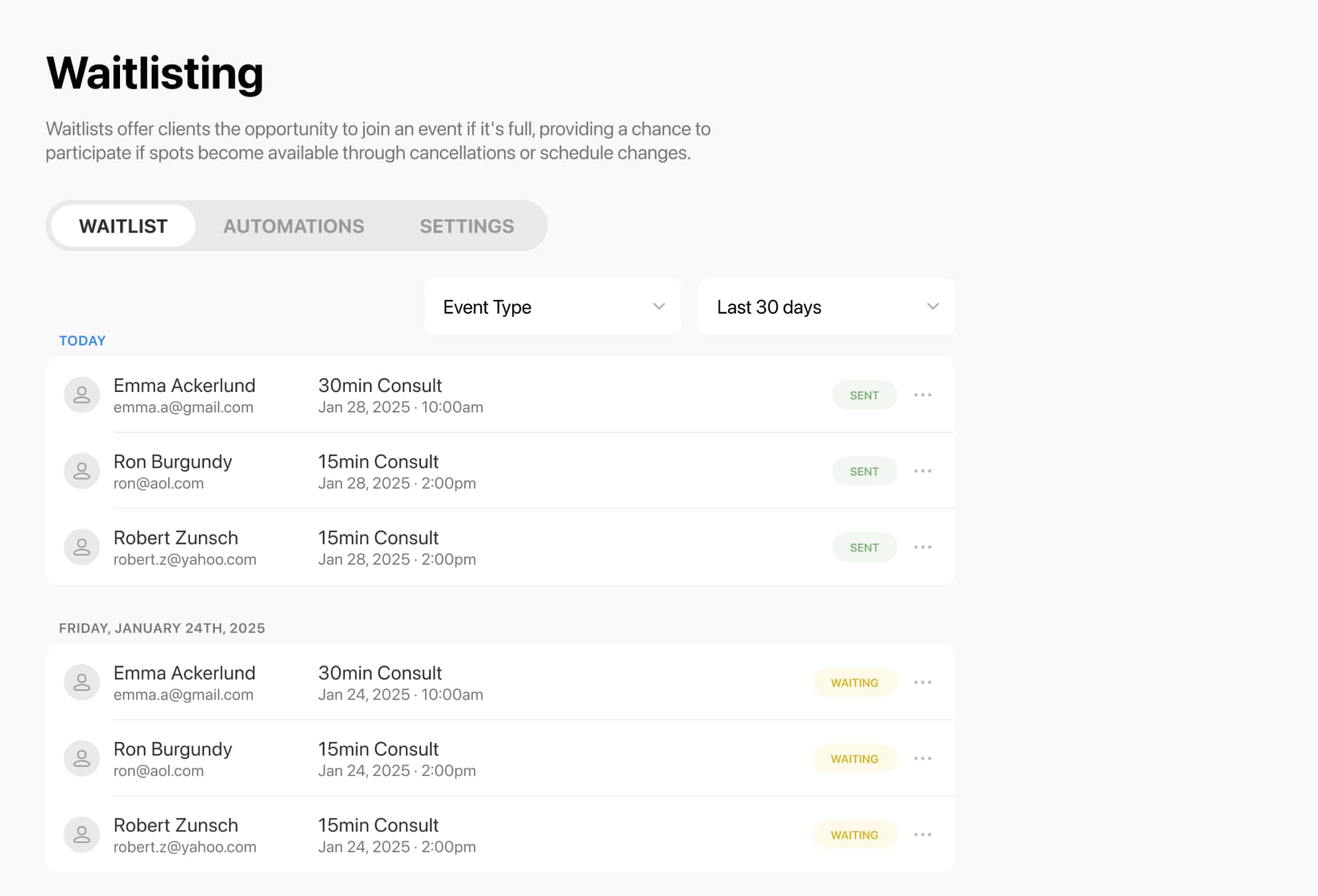
No-shows and last-minute cancellations are different problems, but the fix overlaps: fill empty spots fast.
Breely’s waitlisting feature helps keep your schedule full by letting clients join a waitlist and get notified automatically when a spot opens . For yoga classes and group events, the waitlist applies to a specific class session, which is especially useful for capacity-based classes .
Here’s how to enable it in Breely:
Then enable it on the booking form:
Once it’s on, clients will see a Join Waitlist option when a class is full .
You can also manage waitlist behavior from the Waitlisting area in Breely, where settings include options like notifying everyone at once when a spot becomes available .
Reduce yoga no shows effortlessly
Online booking, reminders, and payments — free to start
When clients have a little more skin in the game, attendance usually improves.
A few strong approaches:
Breely forms support Packages, allowing clients to purchase available packages or subscriptions directly through the form . Breely also supports a Payment question for collecting a fixed amount, such as a deposit, and checkout appears automatically when a priced appointment, package, subscription, or add-on is selected .
You can also fine-tune the form experience by:
The result is a booking process that feels polished, clear, and worth keeping.
The best setup is the one that works while you teach.
In Breely, a strong anti-no-show setup for yoga looks like this:
That means less chasing, fewer empty mats, and a calmer front-desk workflow. Which, frankly, feels very on brand for yoga.
Ready to cut down on no-shows? Set up your Breely booking flow with reminders, smart availability, and a waitlist, and let your schedule take a deeper breath.
Reduce yoga no shows effortlessly
Online booking, reminders, and payments — free to start