Class Scheduling With Waitlists for Business Coaches

Running group coaching should feel organized, not like a juggling act.
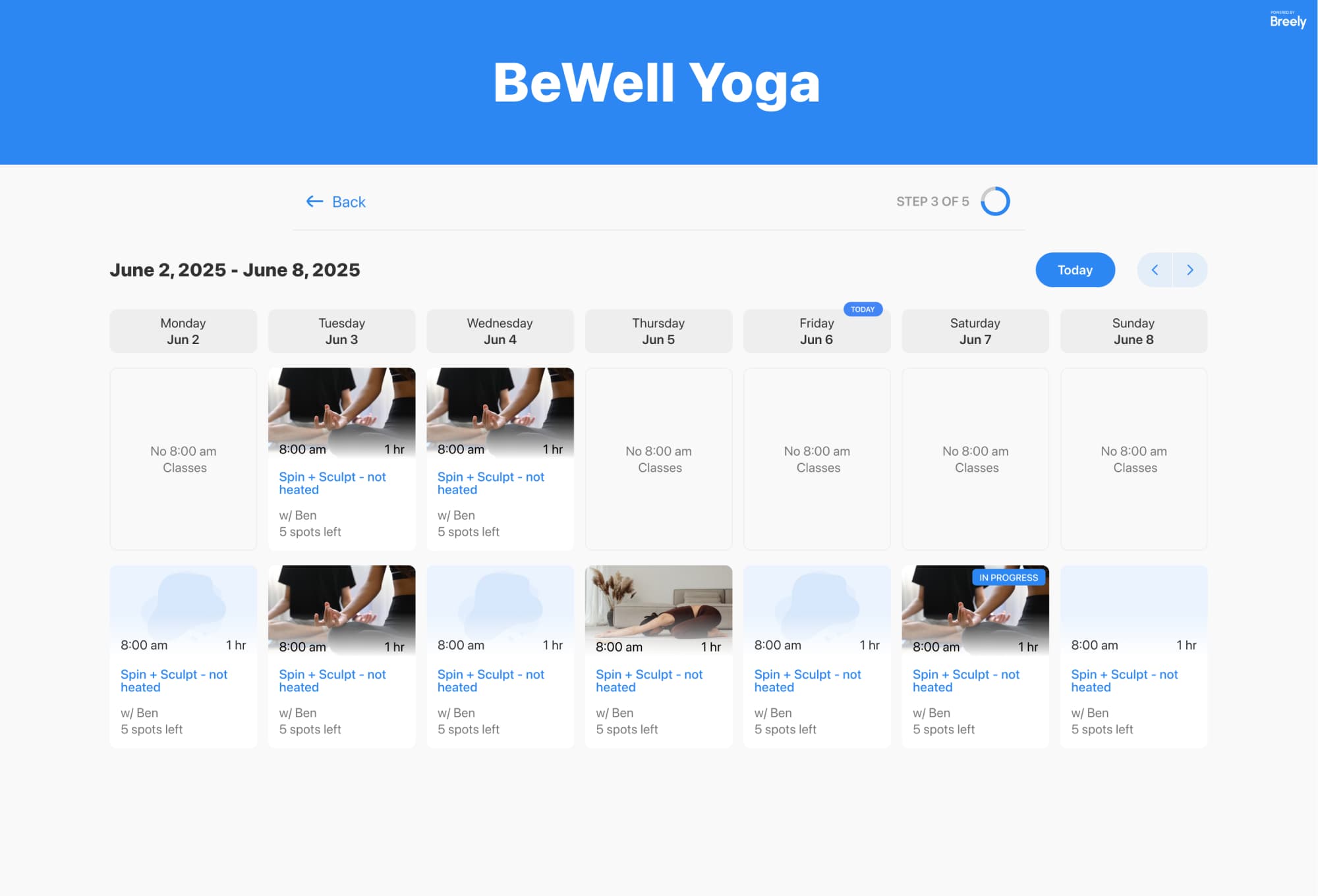
With class scheduling and waitlists, business coaches can fill sessions, manage capacity, and give clients a smooth booking experience from the first click. Clients can book classes on a weekly or monthly calendar, and when a session fills up, they can join a waitlist for that specific class time instead of sending the classic “Just let me know if a spot opens” email.
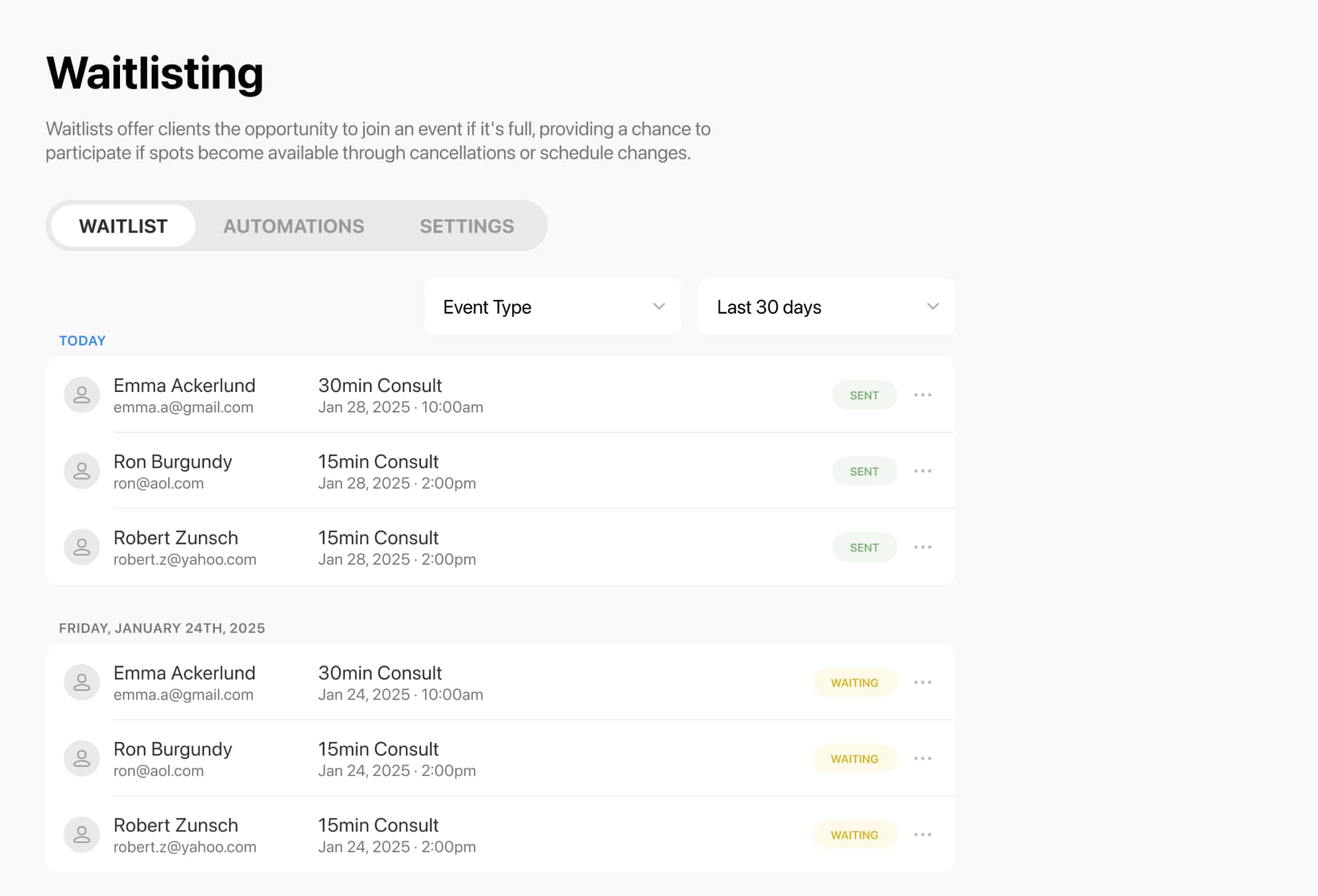
When a class is full, clients can waitlist that exact session. If a seat opens, they can be notified and grab the available spot right away. Breely also supports different waitlist notification options, including notifying everyone at once or using a first-in-line approach.
That means you can:
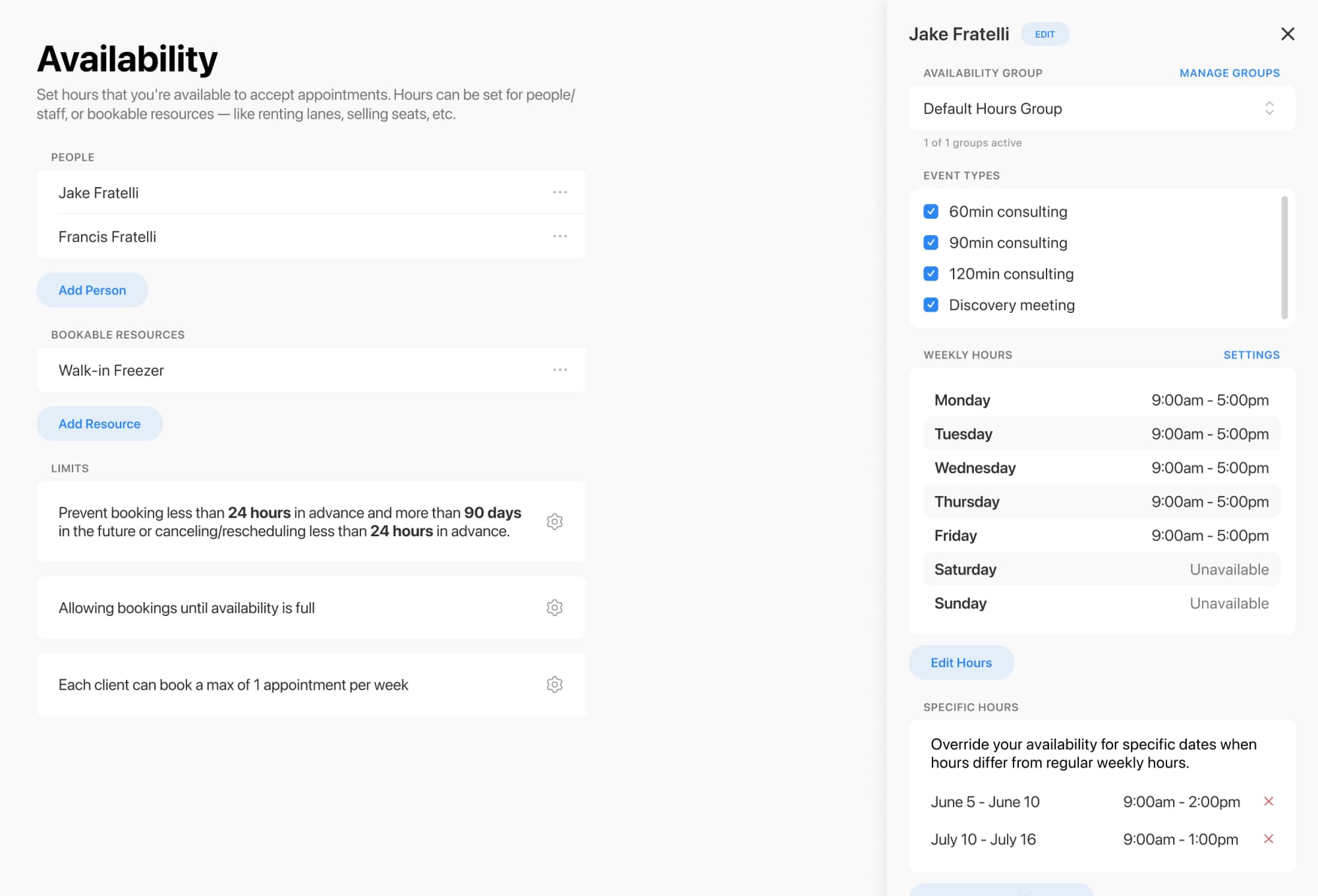
Not every coaching business runs on a simple 9-to-5 schedule. You might offer mastermind calls on Tuesdays, workshops on Fridays, and private sessions in between.
Breely lets you tailor availability with:
For coaches running programs with limited seats, capacity controls help prevent overbooking, and bookable resources can be used to manage spaces, seats, or other limited spots.
A good booking flow does more than look nice. It helps clients say “yes” faster.
Class booking can display available sessions on a weekly or monthly calendar, and classes can be filtered by type. You can also customize labels and support options like booking multiple spots where needed.
For business coaches, that can mean cleaner registration for:
In short: less confusion, fewer messages, more booked sessions.
Once waitlisting is enabled, you can manage all waitlisted clients from the waitlisting area in your account. From there, you can review who is waiting, filter by event type, and control what happens when availability opens up.
Clients see a “Join Waitlist” option when no times are available on a booking form with waitlisting turned on. The feature must first be enabled globally, then activated on each form where you want to offer it.
Master waitlists for smoother coaching schedules
Online booking, reminders, and payments — free to start
Helpful perks include:
Your calendar should support your business, not run it.
With class scheduling, flexible availability, and session-specific waitlists, business coaches can keep programs full, protect their time, and make booking feel refreshingly simple. A little less chaos. A lot more confidence.
Ready to streamline class scheduling and waitlists for your coaching business? Start building a booking experience that keeps your sessions full and your admin light.
Master waitlists for smoother coaching schedules
Online booking, reminders, and payments — free to start