Deposits and Cancellation Fees for In-Home Fitness Trainers

Running an in-home fitness business means juggling travel time, prep time, and a calendar that can change fast. A clear deposit and cancellation policy helps protect your time, reduce no-shows, and set expectations before a client ever opens the door.
The good news: you can handle payment collection, booking rules, and follow-up messages in Breely without making things feel stiff or awkward. Breely lets you collect payments through Stripe, customize forms, and send automations tied to scheduling and canceling appointments
For in-home trainers, a missed session is more than an empty slot. It can also mean:
A deposit gives clients skin in the game. A cancellation fee gives your policy real weight. Together, they help create a smoother, more professional booking experience.
A few simple best practices:
The best policies are easy to understand and hard to misread.
Try this approach:
You can also include a short note in your intake or booking form so clients actively acknowledge the policy. Breely forms are customizable and can be used for booking, collecting information, and taking payments in one flow

Breely gives you the building blocks to create a polished process.
If you want to collect deposits during booking, connect Stripe in Breely under Integrations and Payments. Breely supports collecting payments for appointments while clients book
Use your form to explain the deposit and cancellation policy in plain language. Breely forms can collect booking details, client information, and payments, all in one place
Helpful additions to include:
Learn trainer deposit and cancellation policies
Online booking, reminders, and payments — free to start
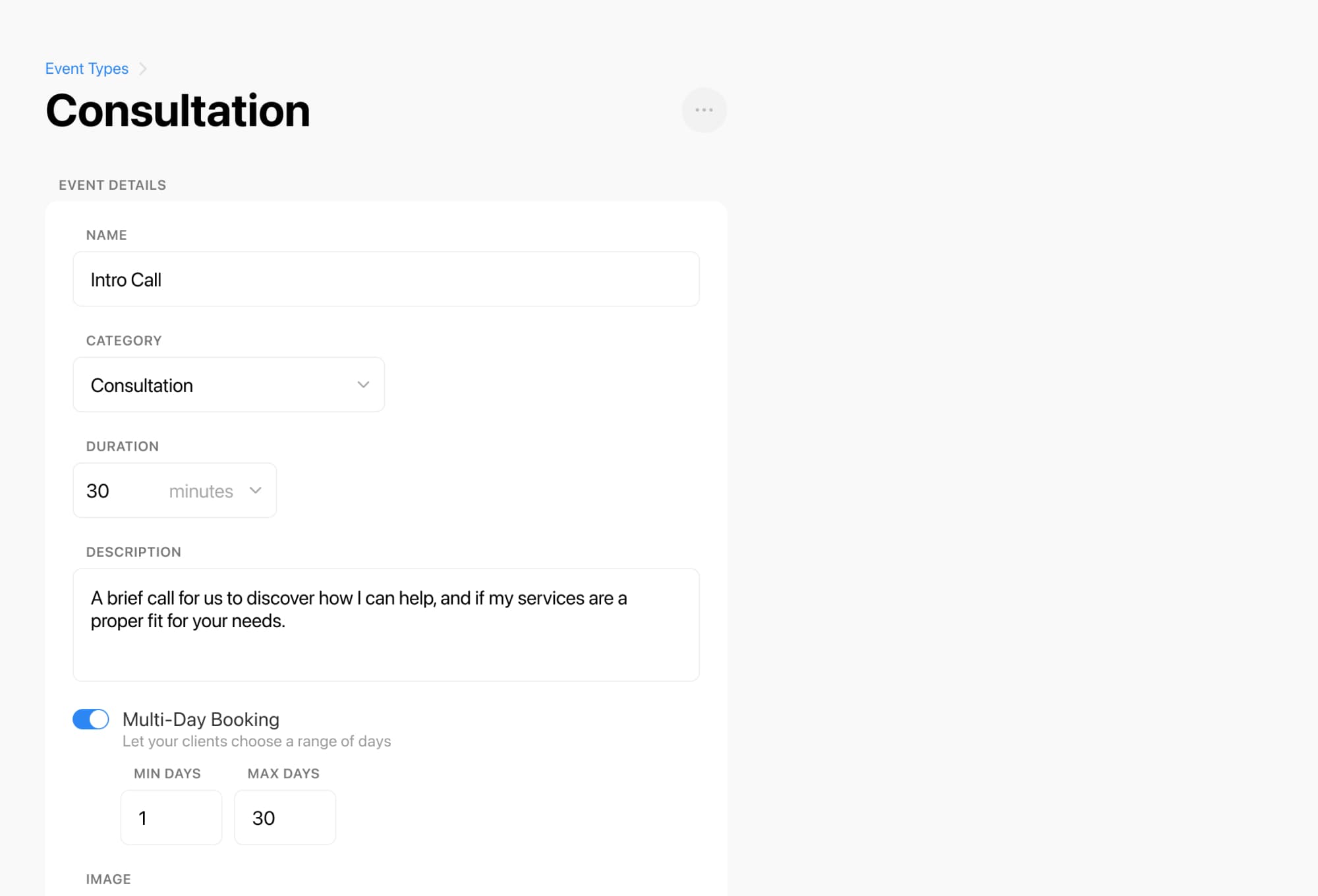
Breely includes scheduling limits so you can decide when clients can book, edit, or cancel appointments. That helps support your cancellation window and keeps your calendar from turning into a surprise party
A great policy works better when clients are reminded at the right moments.
Breely automations can trigger:
That means you can send messages like:
One important detail: form automations are tied to individual forms, so make sure the form your clients use has the right emails or texts attached to it

A deposit policy should feel like a boundary, not a battle.
A warm approach works best:
Breely also lets you customize the thank-you page after form submission, and if the form includes appointment booking, clients can see confirmation details right away
Ready to make your booking process smoother? Set up your Breely form, connect payments, add your policy, and let automations do the heavy lifting.
Learn trainer deposit and cancellation policies
Online booking, reminders, and payments — free to start