Running a mobile bar means balancing great service with real-world logistics: prep time, staffing, inventory, travel, and the occasional last-minute “something came up.” A smart deposit and cancellation policy helps protect your time without scaring off good clients.
Better yet, you can set up key parts of that payment flow directly in Breely. For example, event types in Breely let you choose whether clients pay in full, pay a deposit, skip payment, or provide a valid credit card without being charged right away .
Why deposits matter for mobile bartending
For mobile bartenders, a booking usually starts costing money before the event starts. You may be:
- Blocking off a prime date
- Coordinating staff
- Purchasing supplies
- Traveling to the venue
- Turning away other inquiries
That’s why deposits are so helpful. They create commitment on both sides and reduce ghosting, reschedules, and shaky “just checking availability” leads.
A solid deposit policy can help you:
- Protect busy weekends and holiday dates
- Filter for serious clients
- Improve cash flow
- Reduce no-shows and last-minute cancellations
- Set expectations early, before anyone starts muddling the mojitos
Best practices for businesses
A good policy should feel fair, simple, and easy to understand. Keep it short, plain-English, and visible during booking.
Consider these guidelines:
- Charge a deposit for event bookings. A partial payment upfront is often easier for clients to accept than full prepayment.
- Be specific about timing. Clearly state when a cancellation leads to a fee or loss of deposit.
- Keep your language friendly. “We reserve your date and begin planning right away” lands better than “noncompliance will result in forfeiture.”
- Use a credit card hold when needed. For higher-risk bookings, collecting a valid card without charging it right away can add protection. Breely supports this as a payment option on event types .
- Match the policy to the job. A small backyard party may need one approach; a large wedding bar package may need another.
- Repeat the policy in confirmation messages. Breely supports automations for scheduled, rescheduled, and canceled appointments by email, text, and webhook, which can help reinforce your terms after booking .
A simple structure many service businesses use:
- Deposit due at booking
- Remaining balance due later
- Deposit becomes non-refundable after a certain date
- Late cancellations may incur an additional fee
- No-shows may forfeit payments already made
How to set this up in Breely
Breely gives you payment flexibility inside each event type. Under Price & Payment, you can set a price and choose how the client pays: Pay in full, Skip paying, Pay a deposit, or Require a valid credit card, but don’t charge .
Here’s the simplest setup flow:
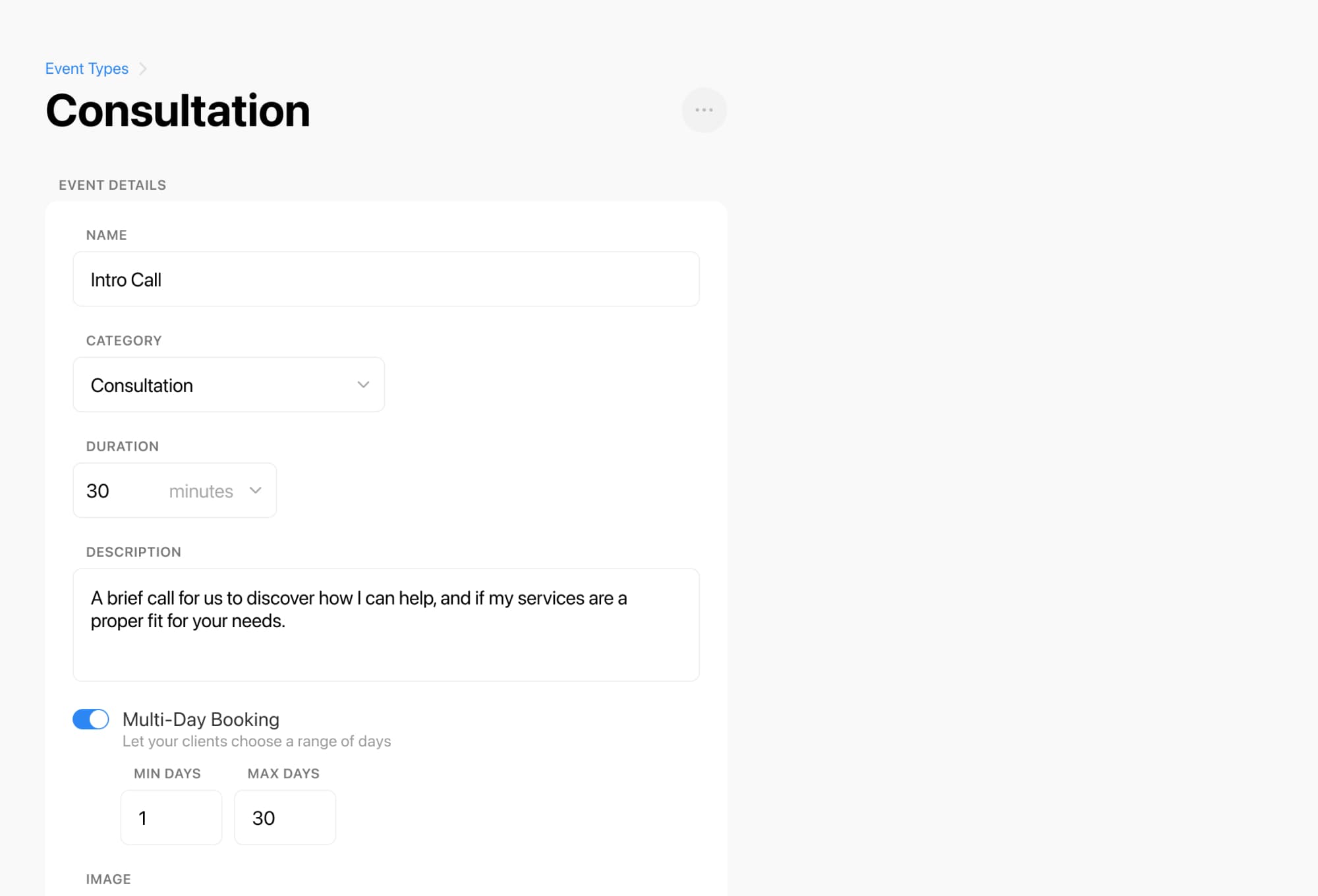
Create or edit your event type
- Add the mobile bartending service as an event type in Breely.
- Event types are where service details, duration, location, and payment settings are configured .
Set the price
- Enter the full service price under Price & Payment.
- If needed, tailor event types for different packages, like weddings, private parties, or corporate events.
Choose your payment method
- Select Pay a deposit to collect part of the total upfront .
- Or choose Require a valid credit card, but don’t charge if you want to secure the booking first .
Collect the rest later
- If a client pays offline later by cash or bank transfer, Breely lets you manually record that payment from the appointment details using Make a payment and the Manual option .
Add your cancellation policy to the booking experience
Learn deposit and cancellation fee essentials
Online booking, reminders, and payments — free to start
- Use your booking form to spell out deposit and cancellation terms clearly.
- Breely forms can be customized to collect client information, and form content can be tailored to support your booking process .
A smart setup for mobile bartenders
If you travel to clients, Breely can also support event locations in flexible ways. When setting up an event type, you can choose In Person or even From Form Question to pull the address from the client’s response, which is especially handy for mobile services .
A practical Breely setup might look like this:
- Create separate event types for:
- Private parties
- Weddings
- Corporate events
- Bartending add-ons or consultation calls
- Use Pay a deposit for standard event bookings
- Use Require a valid credit card, but don’t charge for inquiries that need final approval first
- Ask venue and event details through your form
- Use automations to remind clients about balances, timing, and cancellation terms

Keep the policy clear and client-friendly
The best deposit and cancellation policies do two things well:
- They protect your business
- They make clients feel informed, not trapped
A few copy tips for your booking page:
- Lead with clarity, not legalese
- Keep the policy in bullet points
- Mention the deposit before checkout
- Restate it in confirmations and reminders
- Make it easy for clients to know what happens next
If you want to embed your Breely booking form on your website, Breely provides sharing options for forms so clients can book directly from your site . That makes the process feel smooth, modern, and much less “please email me for details.”
Ready to make bookings more secure and less stressful? Set up your mobile bartending event types in Breely, collect deposits with confidence, and give clients a booking experience that feels polished from the first click.
Learn deposit and cancellation fee essentials
Online booking, reminders, and payments — free to start