Deposits and Cancellation Fees for Mobile Car Detailers

Running a mobile detailing business means juggling weather, drive time, no-shows, and last-minute changes. A smart deposit and cancellation policy helps protect your schedule, your revenue, and your sanity.
The good news: you can keep it professional and customer-friendly. Even better, Breely gives you practical ways to collect payments, store cards, set booking terms, and follow up automatically. Breely supports payment collection through Stripe or Square, and within event types you can require full payment, require a deposit, or store a card on file for future charges
Mobile car detailing is not a “maybe I’ll swing by” kind of service. You’re reserving time, travel, equipment, and labor for a specific appointment.
A simple policy helps you:
A deposit is often the friendliest place to start. It gives clients a lower upfront commitment than full prepayment, while still protecting your time.
Keep your policy short, clear, and easy to spot. Nobody wants to read a legal novel before getting their SUV cleaned.
Here are a few best practices:
A little clarity upfront saves a lot of awkward texting later.
Breely gives you a few flexible ways to handle deposits and cancellation-related charges.
Set clear deposit and cancellation policies
Online booking, reminders, and payments — free to start
To accept payments in Breely, connect either Stripe or Square under Features & Integrations → Payments. Once connected, you can begin accepting payments through Breely
Inside your event type, Breely lets you choose how clients pay when booking. You can:
For mobile detailers, this means you can create different payment behavior for different services. For example:
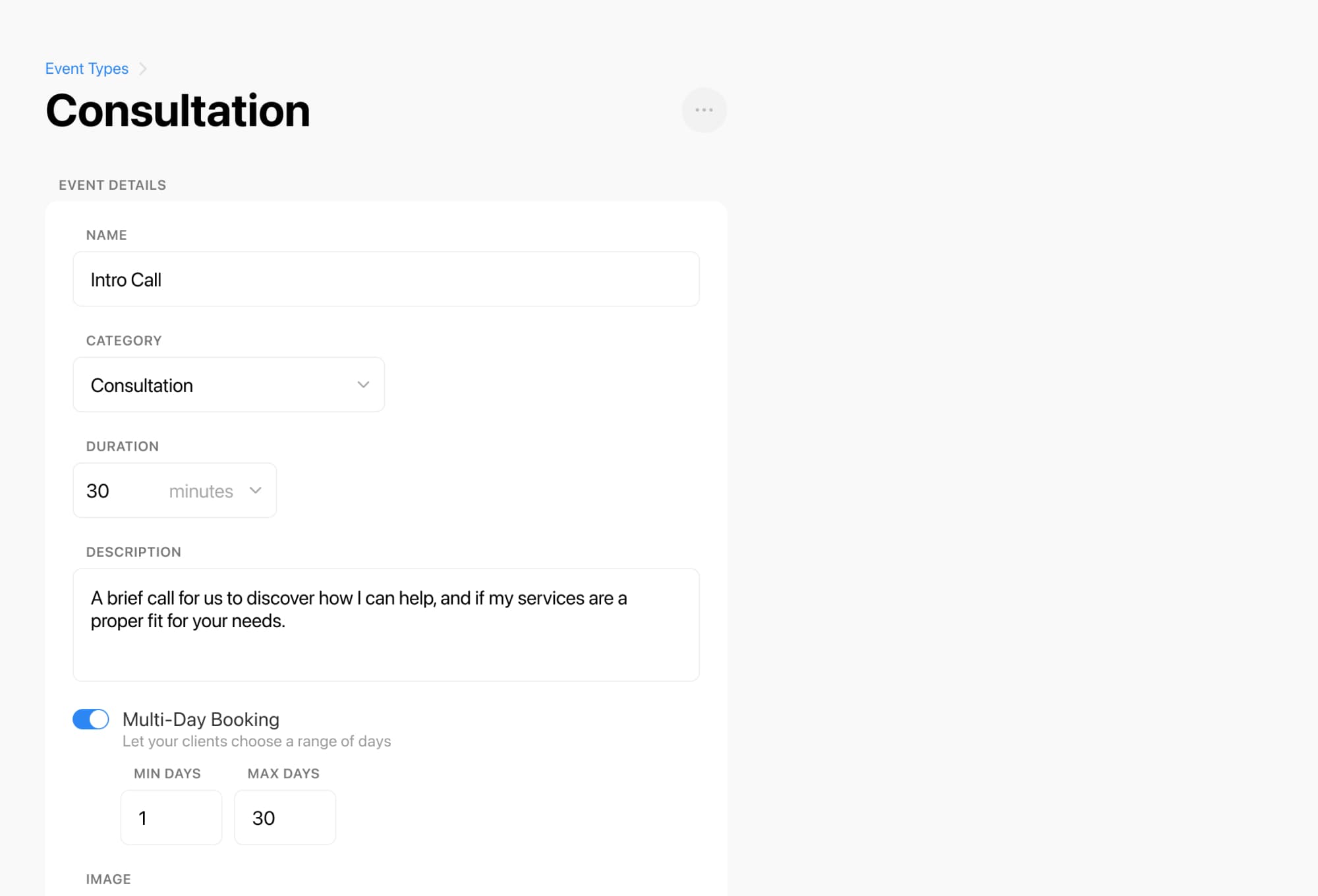
Use your booking form to make the policy visible before the client submits.
Breely forms support an Agree to Terms question type that is required by default. You can place your cancellation policy in the description so the client must accept it before booking continues
A simple version might include:

Breely automations can trigger:
That makes it easy to send:
This keeps your communication consistent without adding extra admin work.
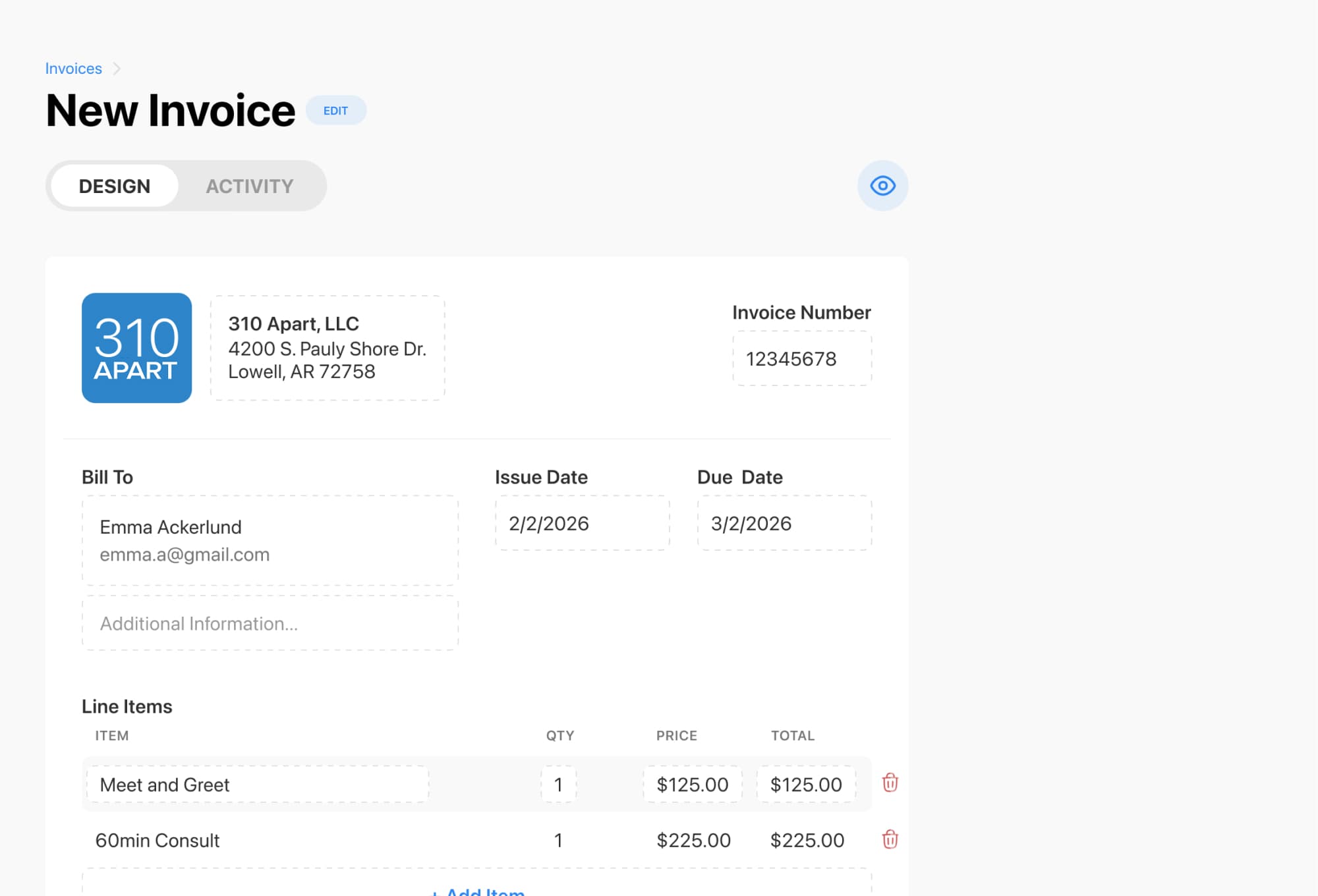
If you need to collect a late cancellation fee manually, Breely’s invoicing tools can help.
In Invoices, you can create and send invoices, add line items, set due dates, and accept online payments. Breely also lets you apply discounts or fees in the invoice summary, and those adjustments can be fixed amounts or percentages
A practical setup could look like this:
This is especially handy if your policy says a cancellation fee applies after a certain cutoff, but the charge is not automatically collected during booking.
The best deposit and cancellation policies do three things:
With Breely, you can connect Stripe or Square, require deposits in your event types, add policy acceptance to your forms, automate reminders, and invoice cancellation-related charges when needed
If you want a smoother booking process and fewer schedule headaches, set up your deposit and cancellation policy in Breely today.
Set clear deposit and cancellation policies
Online booking, reminders, and payments — free to start