Deposits and Cancellation Fees for Mobile Makeup Artists

For mobile makeup artists, every booking comes with extra moving parts: travel time, prep, kit packing, and often a calendar that fills around weddings, events, and early mornings. That is exactly why a smart deposit and cancellation policy matters.
A clear policy can help you:
The sweet spot is simple: ask for enough commitment to secure the date, but keep your policy easy to understand. No legal-sounding drama required.
A good policy should feel fair, firm, and easy to find.
A simple example:
Breely lets you collect payments for appointments by connecting Stripe or Square through Features & Integrations > Payments . Once payments are connected, you can control payment requirements inside each event type.
For appointment-based services, Breely supports these payment options within event type settings:
That makes Breely a solid fit for mobile makeup artists who want to secure bookings upfront without asking every client to pay the full balance immediately.
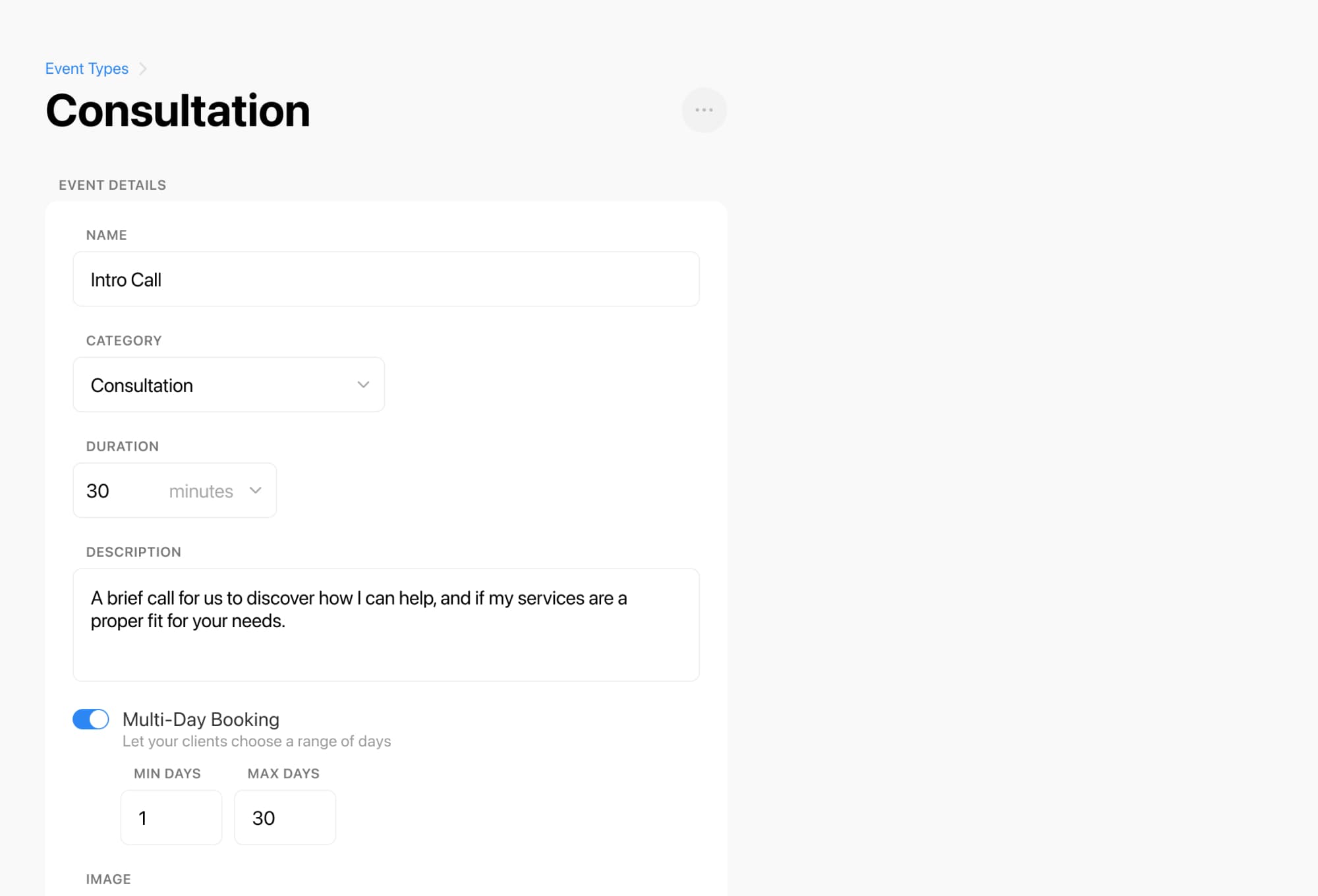
Create your event types
Add each service you offer, like bridal makeup, soft glam, group booking, or trial appointment. Breely uses event types for the services clients can book, and payment requirements are set there .
Master deposits and cancellation fees today
Online booking, reminders, and payments — free to start
Connect payments
Go to Features & Integrations > Payments and connect Stripe or Square so you can collect deposits online .
Set the payment rule for each service
In the event type settings, choose whether that service requires:
Customize your booking form
Add clear policy wording to the form so clients understand your deposit and cancellation terms before they book. Breely forms support flexible questions and display text, and you can preview the client experience before sharing it .

A policy works best when it is repeated at the right moments.
Breely supports automations for key appointment stages, including:
That means you can use reminders and follow-up messages to restate important details, reduce misunderstandings, and encourage clients to reschedule properly instead of disappearing into the void. Breely also supports email, SMS, and webhook automations for forms and appointments .
You can also use scheduling limits in availability settings to control when clients can book, edit, or cancel appointments .

The best deposit and cancellation policies do three things:
With Breely, you can set up services as event types, connect Stripe or Square, require deposits at booking, add policy details to your form, and automate reminders around the appointment flow .
If you are ready to make bookings feel smoother and more secure, set up your payment rules in Breely and let your policy do some of the heavy lifting.
Master deposits and cancellation fees today
Online booking, reminders, and payments — free to start