Deposits and Cancellation Fees for Mobile Massage Therapists

Running a mobile massage business means protecting your time, your travel, and your income. A clear deposit and cancellation policy helps you do all three without sounding harsh.
The goal is simple: make expectations obvious, make payment easy, and make cancellations less painful for everyone.
When you travel to clients, a last-minute cancellation costs more than just an empty slot. It can mean lost drive time, prep time, and revenue you can’t easily replace.
A solid policy can help you:
Keep your policy friendly and direct. For example:
Short, clear, and calm wins every time.
The best policies are easy to understand before a client books.
Here are a few smart practices:
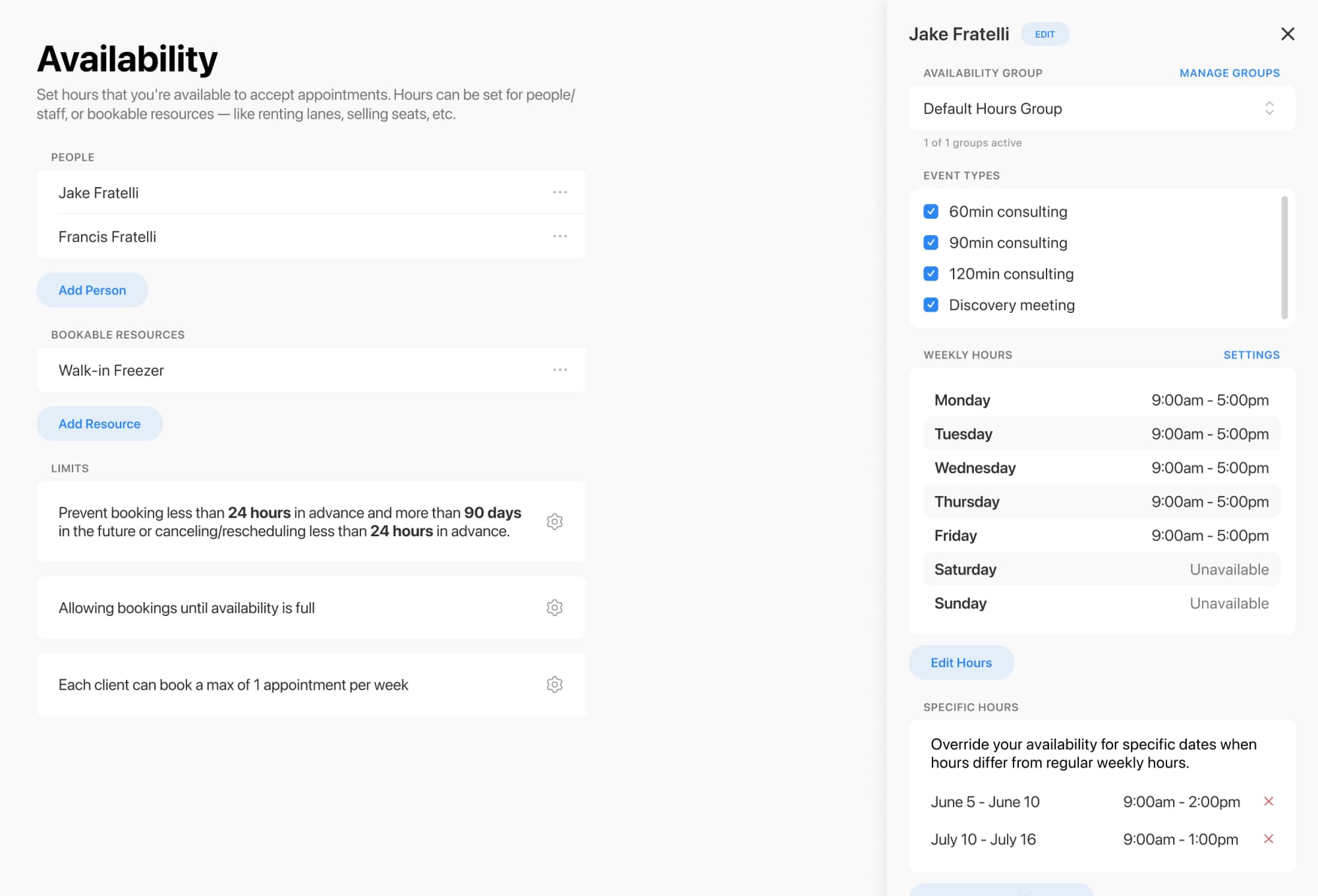
Breely supports scheduling limits so you can decide when clients can book, edit, or cancel appointments, which is useful when you want your cancellation window to match your policy .
Breely gives you a few practical building blocks for handling deposits and cancellations.
If you want clients to pay while booking, connect Breely with Stripe under Integrations → Payments. Breely supports collecting payments for services during booking once Stripe is connected .
Master deposit and cancellation fee policies
Online booking, reminders, and payments — free to start
Breely includes scheduling limits that let you decide when clients can book, edit, or cancel appointments. That’s the feature to use when you want to enforce a cancellation cutoff, like 24 hours before the session .
Breely forms include an Agree to Terms question type. It’s required by default, and you can place your cancellation policy right in the description so clients must acknowledge it before completing the booking .
You can also customize forms to collect the details you need from clients before the appointment .

Breely offers automations by email, text message, and webhook, so you can send confirmations, reminders, and cancellation-related messages automatically .
That means you can:
Here’s a simple setup that works well for many mobile therapists:
If you ever need to cancel an appointment manually in Breely, you can open the appointment, use the three-dot menu, select Cancel, and choose whether to send cancellation automations .

A good policy protects your business without making your brand feel stiff.
Try language like:
That’s confident, fair, and easy to understand.
Want to make booking smoother and protect your schedule at the same time? Set up your Breely form, add your policy, connect payments, and let your system do the explaining for you.
Master deposit and cancellation fee policies
Online booking, reminders, and payments — free to start