Deposits and Cancellation Fees for Mobile Pet Groomers

Running a mobile grooming business means your schedule is your route, your revenue, and sometimes your sanity. A clear deposit and cancellation policy helps protect your time, reduce no-shows, and set expectations before the van even pulls up.
With Breely, you can set payment requirements inside event types, collect deposits at booking, customize forms, and send automations after cancellations or scheduling changes.
For mobile pet groomers, missed appointments cost more than a gap in the calendar. They can also mean wasted drive time, fuel, and a route that suddenly makes a lot less sense.
A good policy can help you:
Keep it simple. Clients usually respond best to policies that are easy to understand and easy to find.
The goal is not to sound strict. It is to sound clear, fair, and confident.
Here are a few practical tips:
A simple example:
If you use fees, make them reasonable and consistent. Nobody loves a surprise charge, especially when their dog already hates the dryer.
Learn pet grooming deposit and cancellation policies
Online booking, reminders, and payments — free to start
Breely lets you connect Stripe or Square for payments, and payment settings live inside your event types. You can require full payment, require a deposit, or store a card on file.
To set up deposits in Breely:
This is especially helpful if you offer different grooming services with different pricing or booking risk. Since Breely handles pricing and payment requirements within event types, you can tailor deposit rules to each service.
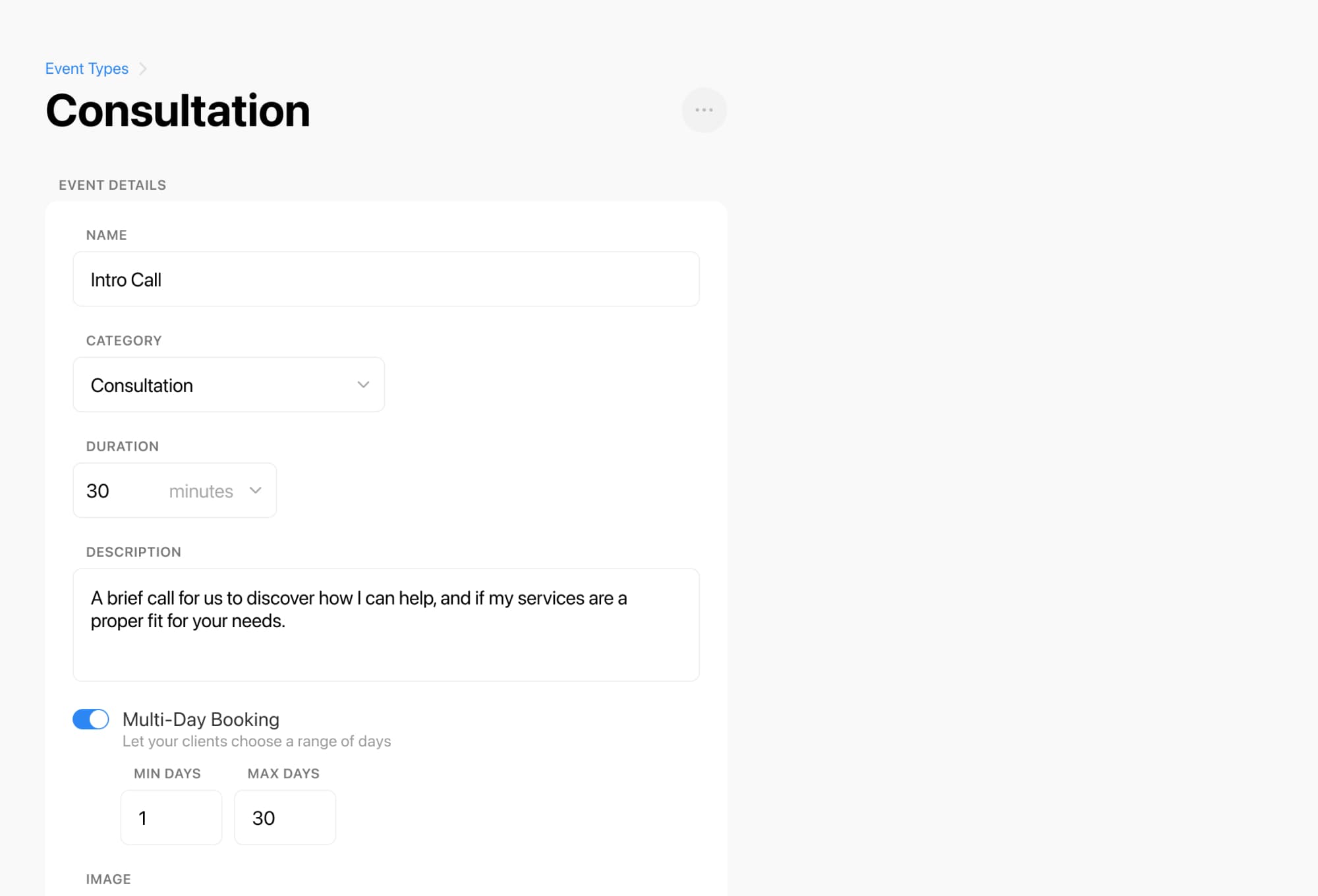
A policy works best when clients actively see it during booking. Breely forms support an Agree to Terms question type, and that is a smart place to include your cancellation terms. The Agree to Terms field is required by default, and you can place your cancellation policy in the description so clients must accept it before proceeding.
You can also customize forms to collect details that support smoother bookings, like pet notes, access instructions, or special handling needs. Breely forms are built in sections and can be previewed before sharing.
A simple setup flow:

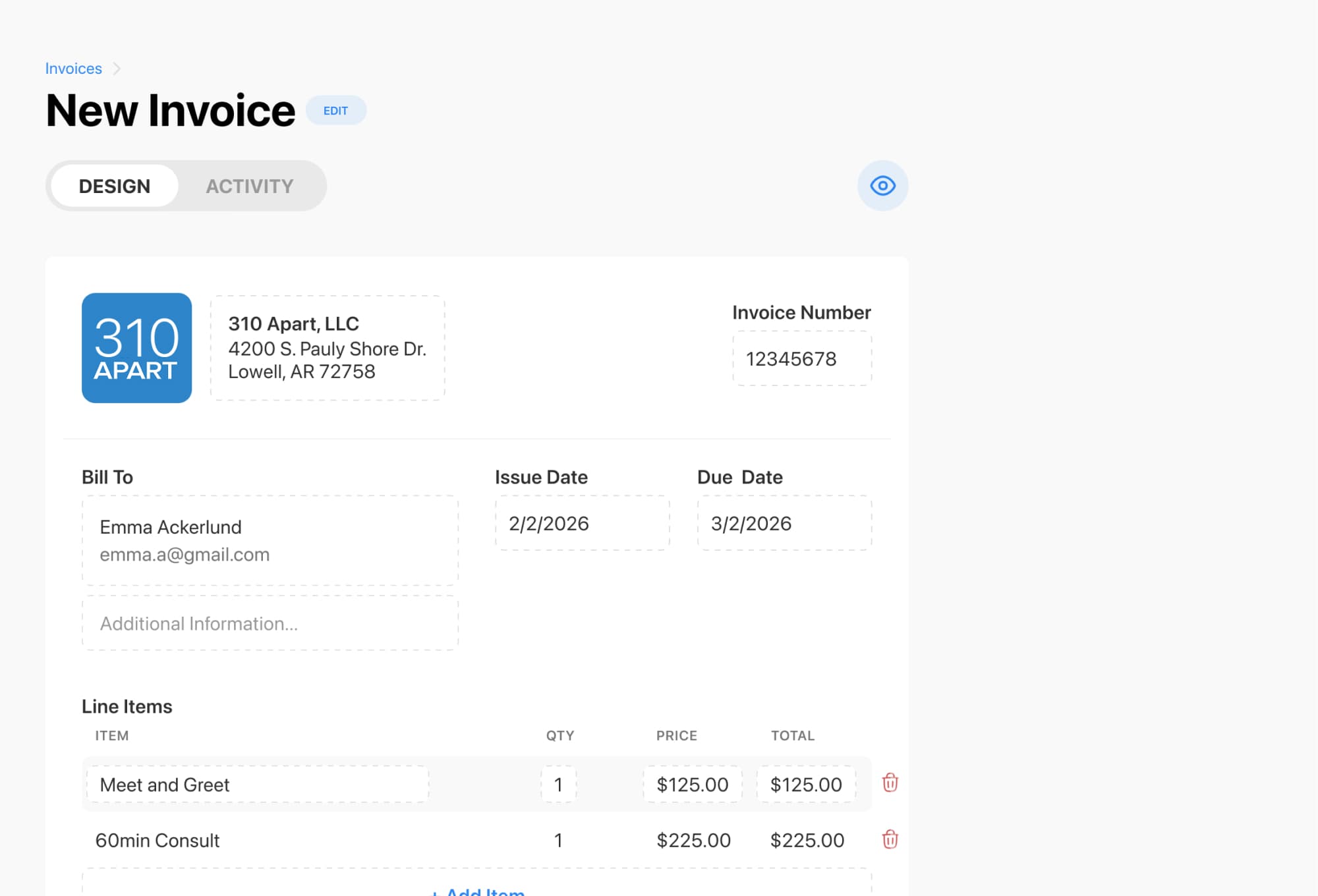
If you need to charge a cancellation fee after a missed or late-canceled appointment, Breely’s invoicing tools let you create an invoice, add line items, apply discounts or fees, set due dates, and send the invoice to the client.
To do that:
Breely also supports automations after an appointment is canceled, which is useful for sending a cancellation confirmation, restating your policy, or inviting the client to rebook. Automations can trigger after canceling, after rescheduling, or after scheduling.
The best deposit and cancellation policies do three things:
Breely gives you the building blocks to make that happen: payment settings in event types, terms built into forms, invoices for fees, and automations for follow-up.
If you are ready to make your booking process smoother and more professional, set up your deposit policy in Breely and put your cancellation terms right where clients can see them.
Learn pet grooming deposit and cancellation policies
Online booking, reminders, and payments — free to start