Deposits & Cancellation Fees for Mobile Hair Stylists, Made Simple

When you travel to clients, your time is precious, your schedule is carefully planned, and last-minute changes can be a real headache. A clear deposit and cancellation policy helps protect your business while keeping expectations easy for clients to understand.
The good news? You can set booking limits around when clients can book, edit, or cancel appointments, collect payments during booking with Stripe, and even automate messages after an appointment is scheduled or canceled.
Mobile hair appointments are not quite the same as salon chair bookings. You are often accounting for:
That is why many mobile stylists choose to take a deposit up front. A deposit helps confirm the appointment, reduces no-shows, and gives your clients a gentle nudge to stay committed.
If you are using online booking, a fixed payment can be collected through a form, which is useful for simple deposit collection. Payments can also be collected during booking when your payment processor is connected.

A strong deposit policy should be short, friendly, and very clear. Clients should know exactly what they are agreeing to before they book.
Consider including:
A simple example:
Keep it firm, but not scary. Think “clear boundaries,” not “tiny legal thriller.”
The best cancellation policies are easy to read and easy to remember.
Simplify salon deposits and cancellation fees
Online booking, reminders, and payments — free to start
Try using a structure like this:
If you offer rebooking flexibility, say so. Clients appreciate knowing you are reasonable when life happens.
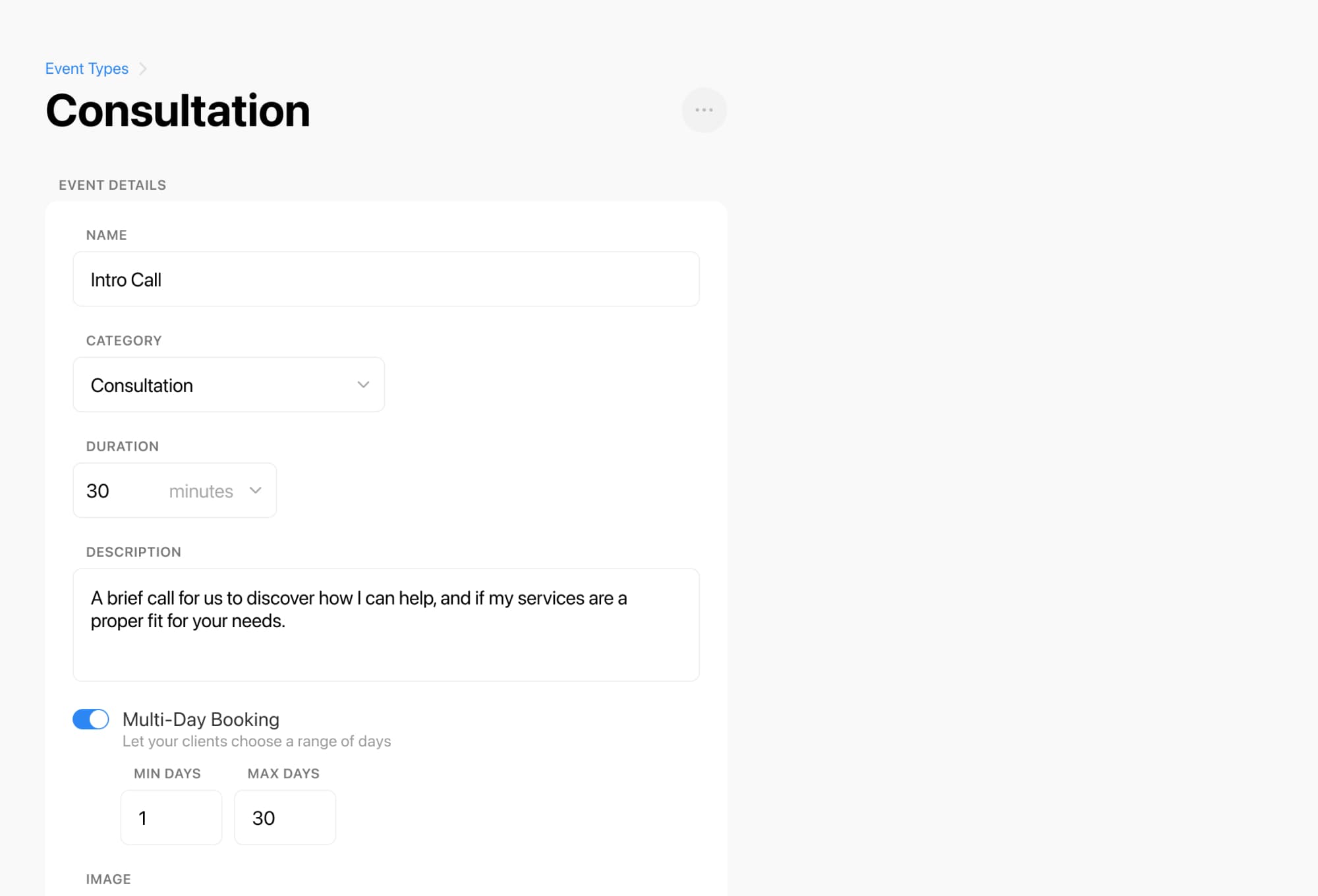
You can also support your policy with booking rules and automated messages. Breely allows scheduling limits so you can control when clients can book, edit, or cancel appointments, and it supports automations after scheduling and after canceling to keep communication consistent.

A policy only works if clients actually see it.
A few smart places to show it:
Forms can include display text for important information, and forms are where clients interact with booking, payments, and confirmations. The thank-you page can also show appointment confirmation details, including cancel and reschedule options.
This keeps everything visible before, during, and after the booking process, which means fewer awkward follow-up messages later.
A clear policy is not just about protecting your calendar. It also makes your business look polished, organized, and professional.
Clients want to know:
When the answers are easy to find, people feel more confident booking with you.
If you are ready to make your booking process smoother, add your deposit terms to your booking form, set your cancellation window, and automate your reminders so clients always know the plan.
Ready to create a booking experience that protects your time and keeps clients informed? Set up a clear deposit and cancellation policy today, and make every mobile appointment feel easy from the start.
Simplify salon deposits and cancellation fees
Online booking, reminders, and payments — free to start