Intake Forms With E-Signatures for Tutors

Make it easy for students and parents to share the right details before the first session—then sign everything in one smooth step.
Tutoring runs better when intake is simple, organized, and professional. With customizable forms, you can collect contact details, learning goals, scheduling information, and signed agreements in one place. Forms can be used for booking, standalone information collection, or both together .
Great tutoring starts with good information. Build forms with sections and questions so families can move through everything clearly, without feeling like they’re filling out a tax return. Breely forms support structured sections, required questions, previews, and a thank-you page after submission .
You can gather things like:
Breely also supports helpful question types like paragraph fields, dropdowns, file uploads, phone numbers, and client contact info, so your intake can fit the way your tutoring business works .

Need a parent consent form, tutoring agreement, or policy acknowledgment? Add a signature field directly to the form.
The signature question lets clients sign or type their name on the form. Once a signature is added, the form becomes digitally signed, timestamped, and uneditable, and a PDF copy of the signed form can be downloaded .
That means you can confidently collect signed items like:
Simple for families. Clean for your records. Very little chasing people down by email. Everyone wins.
Not every student needs the same intake flow. Some are booking weekly sessions, some are asking for test prep, and some just need a quick consultation first.
Breely forms can use conditional logic to show different questions or sections based on previous answers, helping you create a more tailored experience . You can also create multiple forms for different services or use cases, which is helpful when you offer different tutoring formats or subjects .
For example, you might create separate forms for:
Simplify tutoring intake with e signatures
Online booking, reminders, and payments — free to start
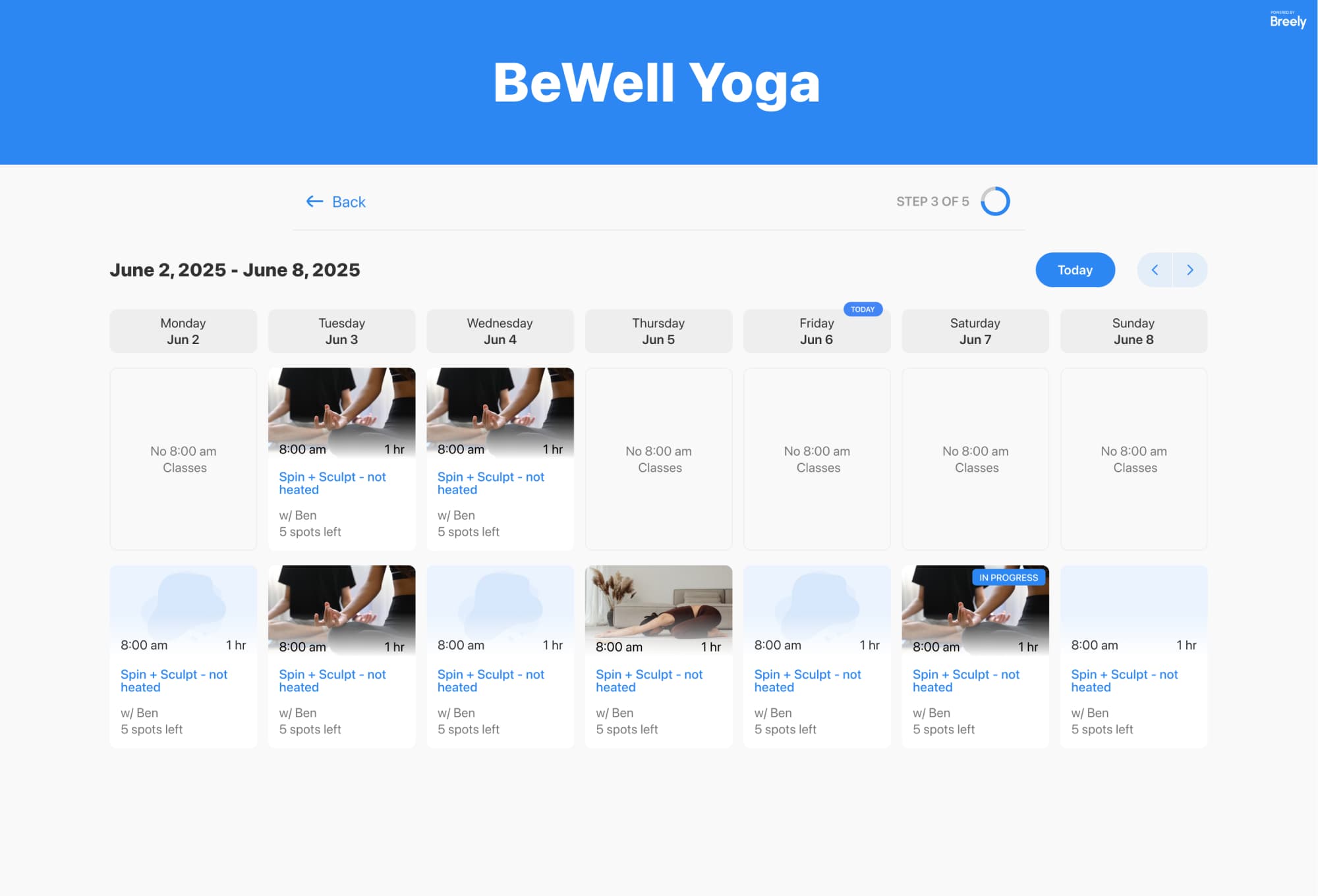
Your intake form should feel like part of your brand, not a random detour. Breely lets you customize forms with your logo, theme, colors, fonts, and background styling . You can also embed forms on your website, use a direct link, or launch them as a pop-up, depending on how you want visitors to start the process .
After someone submits a form, automations can send follow-up emails or text messages, reminders, and other status-based messages to keep communication moving without extra admin work .
When your intake forms include e-signatures, you can start each tutoring relationship with clearer expectations, better information, and fewer back-and-forth messages.
Use one streamlined flow to:
Ready to make tutoring intake easier? Create a form that welcomes families, collects what matters, and gets the paperwork signed without the usual hassle.
Simplify tutoring intake with e signatures
Online booking, reminders, and payments — free to start