Let Clients Book Their Event Planning Services — and Pay on the Spot

Event planning is busy enough without endless back-and-forth emails, “just checking” texts, and payment chases. A self-booking setup gives your clients a simple way to choose a service, pick a time, and pay during booking — all in one smooth flow.
With Breely, you can create bookable event types, set availability, customize forms, and collect payments through Stripe during the booking process. You can also add your booking form directly to your website for a more seamless client experience.
When someone is ready to hire you, the last thing they want is a scheduling obstacle course.
A polished self-booking experience helps visitors:
Breely event types can include pricing and flexible payment options such as pay in full, skip paying, pay a deposit, or require a valid credit card without charging it right away.
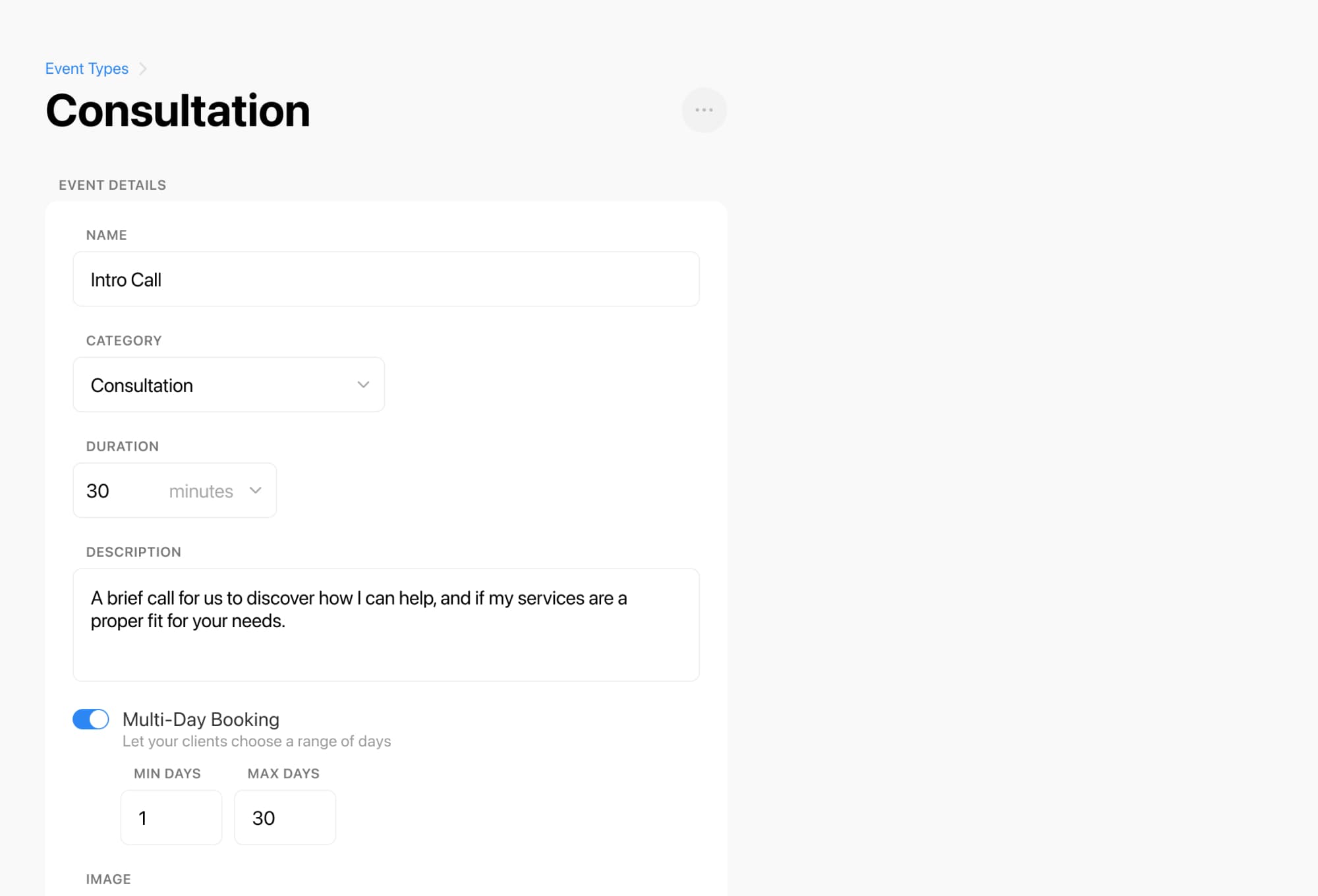
Not every event planning service is the same — and your booking flow shouldn’t be either.
You can set up different event types for things like:
Start taking event bookings and payments
Online booking, reminders, and payments — free to start
Breely lets you define duration, location, images, descriptions, and who or what each event type can be booked with. You can also choose whether the booking is in person, on Zoom, on Google Meet, or based on an address submitted in the form.
That means your website can feel organized for clients — while still handling the real-world details behind the scenes.
Great planning starts with great information.
Custom forms let you collect the important details upfront, so you’re not digging through emails later for basics like event date, venue status, guest count, budget range, or “do you already have a florist?”
Breely forms can collect client information and use logic to skip or rearrange questions based on answers. You can even use conditional logic to guide different clients through different booking paths — for example, sending new leads to an intro call while letting returning clients book services directly.

Self-booking works best when payment is built in, not bolted on later.
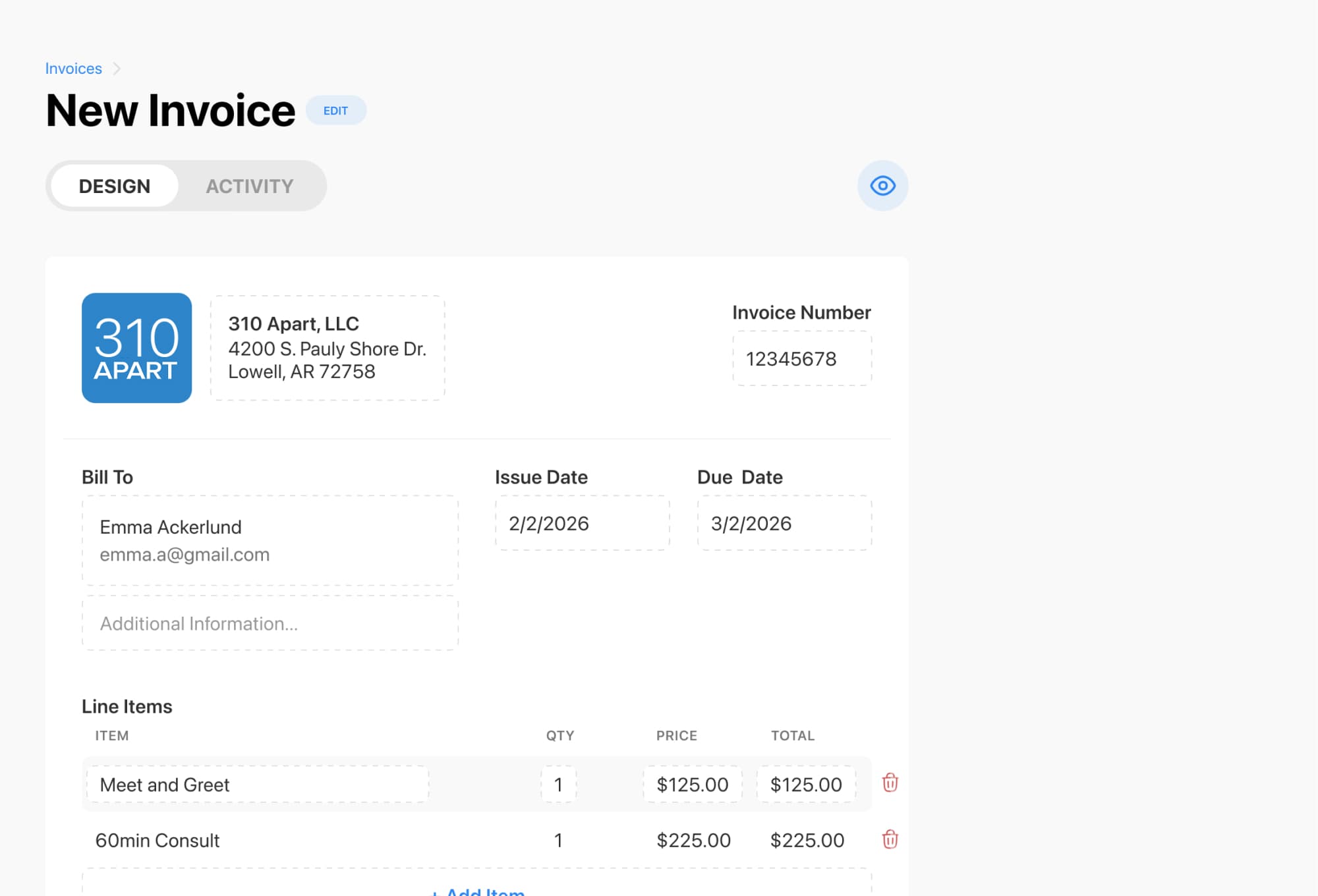
Breely supports collecting payment for appointments while clients book by connecting Stripe. Depending on the service, you can:
Packages can be sold as prepaid bundles of appointments and then automatically applied to eligible future bookings for the same client. That’s especially useful for planners offering multi-session planning support or consultation bundles.
A good booking page doesn’t just help clients. It helps you stay sane.
Breely allows you to set weekly hours, override specific dates, create different hours by day, and even set hours for specific event types. You can also automate communication after a booking is scheduled, before it happens, after it’s rescheduled, or after it’s canceled.
That means fewer manual reminders, fewer scheduling surprises, and more time spent planning memorable events instead of managing logistics.
Ready to give your event planning business a smoother booking experience? Add self-booking with payments to your website and make it easier for clients to say “yes.”
Start taking event bookings and payments
Online booking, reminders, and payments — free to start