Recording Studio Scheduling That Keeps Sessions on Track

Running a studio means juggling rooms, engineers, equipment, and artists without letting the calendar turn into feedback. A smart scheduling setup helps you stay organized, avoid double-bookings, and make booking easy for everyone.
With flexible availability, bookable resources, and room constraints, you can manage both people and spaces in one place
Studios rarely book just one thing at a time. A session might need:
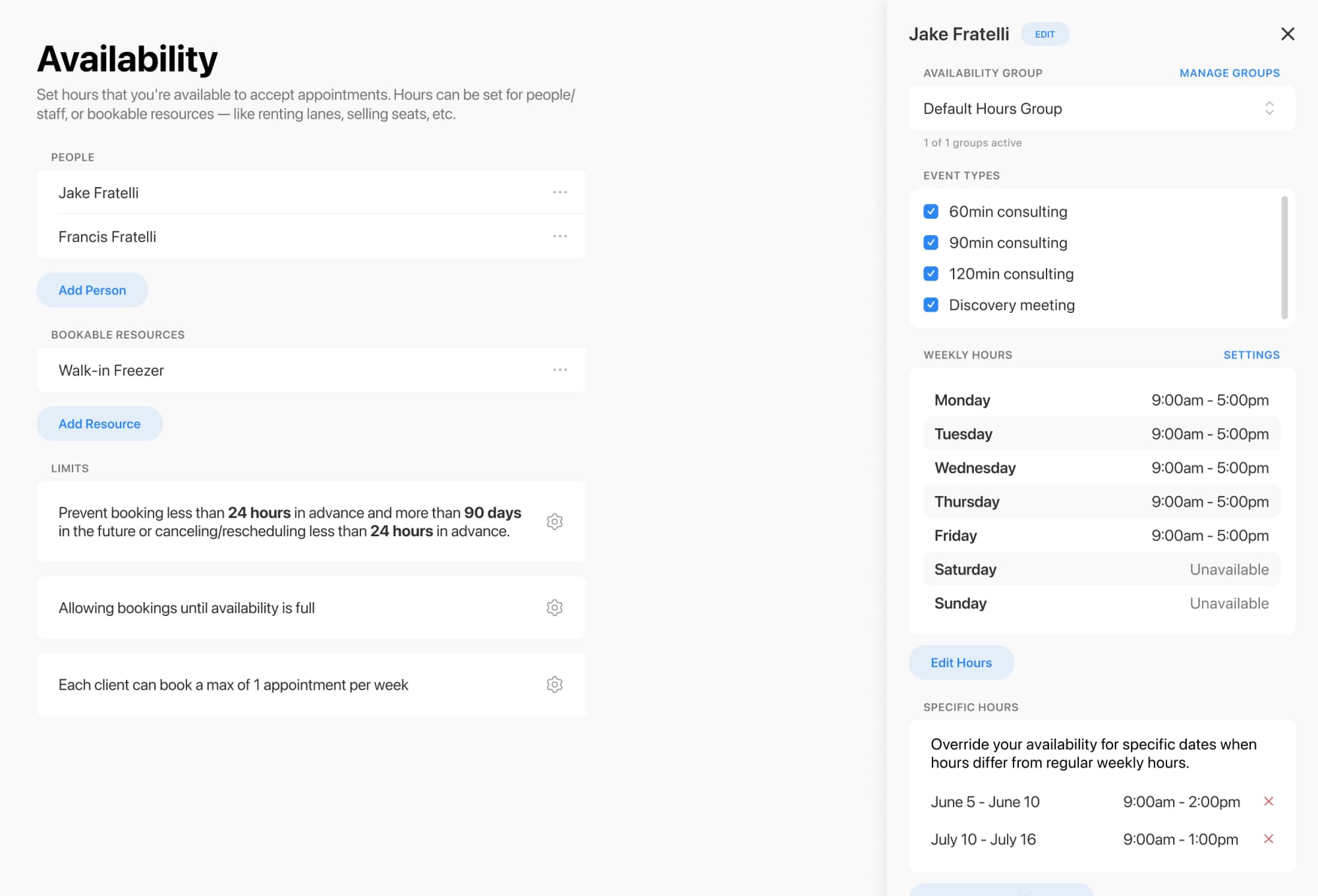
You can set availability for staff and other bookable resources, not just people. That means rooms, booths, and other studio essentials can all be scheduled properly, with capacity limits where needed
You can also assign event types to specific people or resources so the right room or staff member is reserved automatically when a client books

If your studio has more staff than rooms, or multiple session types competing for the same space, resource constraints help keep everything under control.
That means you can:
Resource constraints are designed specifically to prevent overbooking when multiple appointments rely on the same physical space or resource
Optimize your studio schedule today
Online booking, reminders, and payments — free to start
Not every session should be bookable at any time. You may want tighter control over how and when clients can reserve time.
Scheduling rules can help you:
This kind of flexibility is useful for recording sessions, mixing sessions, rehearsals, and other bookings that all follow different rhythms
A smoother booking flow means fewer back-and-forth emails and better information before the session even starts.
You can use booking forms to:
Forms can collect custom information, use conditional logic, and control which event types appear to clients, giving you more control over the booking experience

Once a session is booked, automation helps keep everyone informed without extra admin work.
You can streamline communication with:
Automations can trigger before or after appointments, cancellations, and reschedules, while payments can be collected during the booking flow when Stripe is connected
Ready to organize your recording studio without the scheduling chaos? Set up a booking flow that keeps rooms, staff, and sessions perfectly in tune.
Optimize your studio schedule today
Online booking, reminders, and payments — free to start