Room and Resource Scheduling for Art Teachers

Art teachers already juggle enough: studio space, class times, supplies, shared equipment, and the occasional mystery glue gun.
Breely helps you organize rooms, resources, and bookings in one place so your schedule stays calm, clear, and a little less chaotic. You can set availability, assign event types to rooms or equipment, and use resource constraints to avoid double-booking shared spaces or tools.
Whether you teach painting, ceramics, printmaking, or mixed media, scheduling gets complicated fast when classes depend on both people and physical resources.
With Breely, you can manage:
Breely supports both people and other bookable resources, and it can also apply room/resource constraints behind the scenes so clients only book when the right space or equipment is actually available.
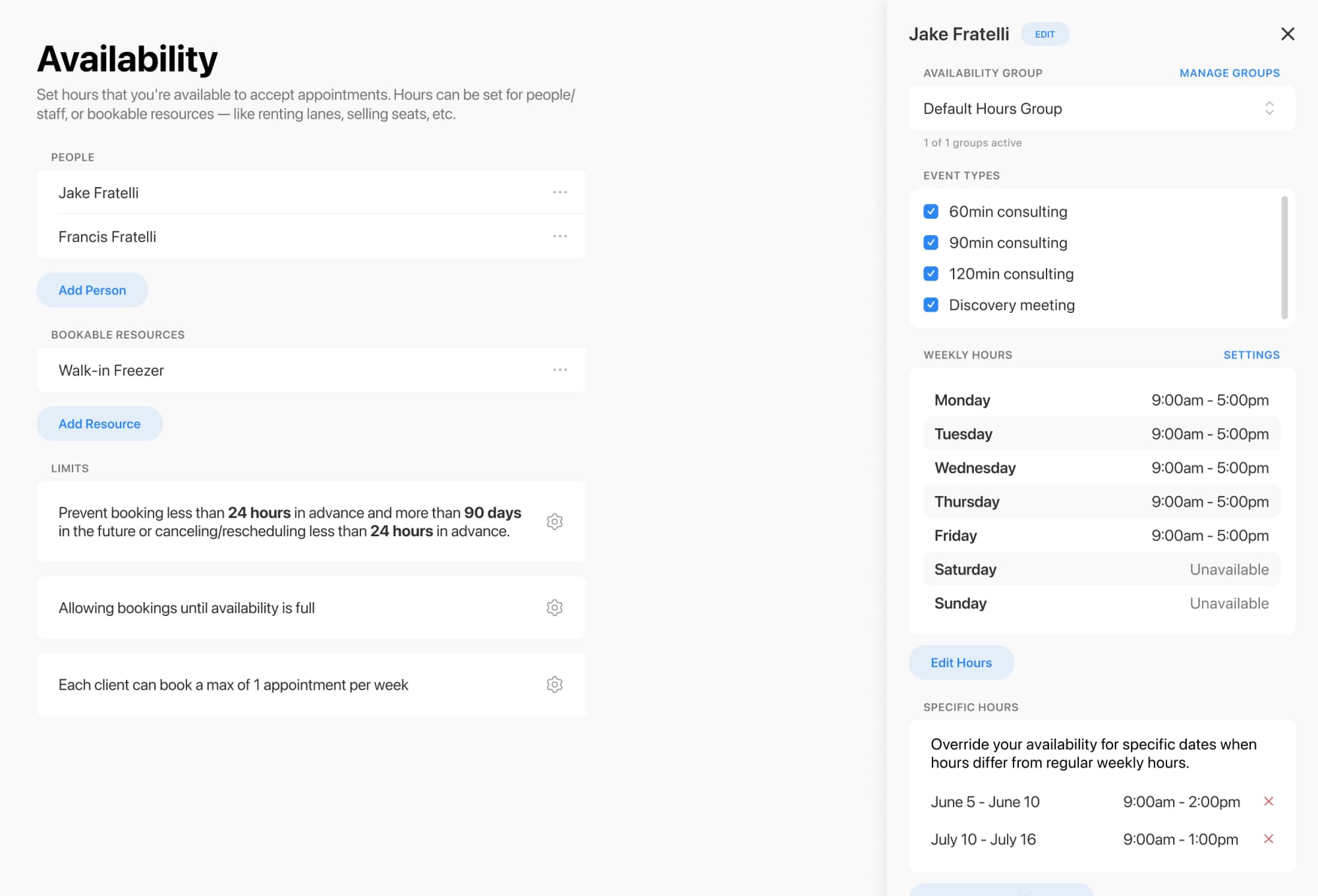
If multiple teachers share a few classrooms, studios, or specialty tools, resource constraints help make sure everything lines up properly.
For example, if you have:
Streamline art room scheduling today
Online booking, reminders, and payments — free to start
You can set up your teachers individually, then add rooms or equipment as shared constraints so Breely only allows bookings when those resources are free. This is the same scheduling logic used to prevent overbooking in shared-space setups and equipment-limited classes.
That means fewer scheduling surprises, fewer manual checks, and far fewer “Wait… who booked the clay room?” moments.
Each event type can be connected to specific people and resources, such as rooms, equipment, or shared spaces. That way, when someone books a class, the correct setup is reserved automatically.
This is especially helpful for art programs that offer different kinds of sessions, like:
You can also organize event types into categories and control which ones appear on different booking forms, giving you flexibility for public classes, school programs, or staff-only scheduling.
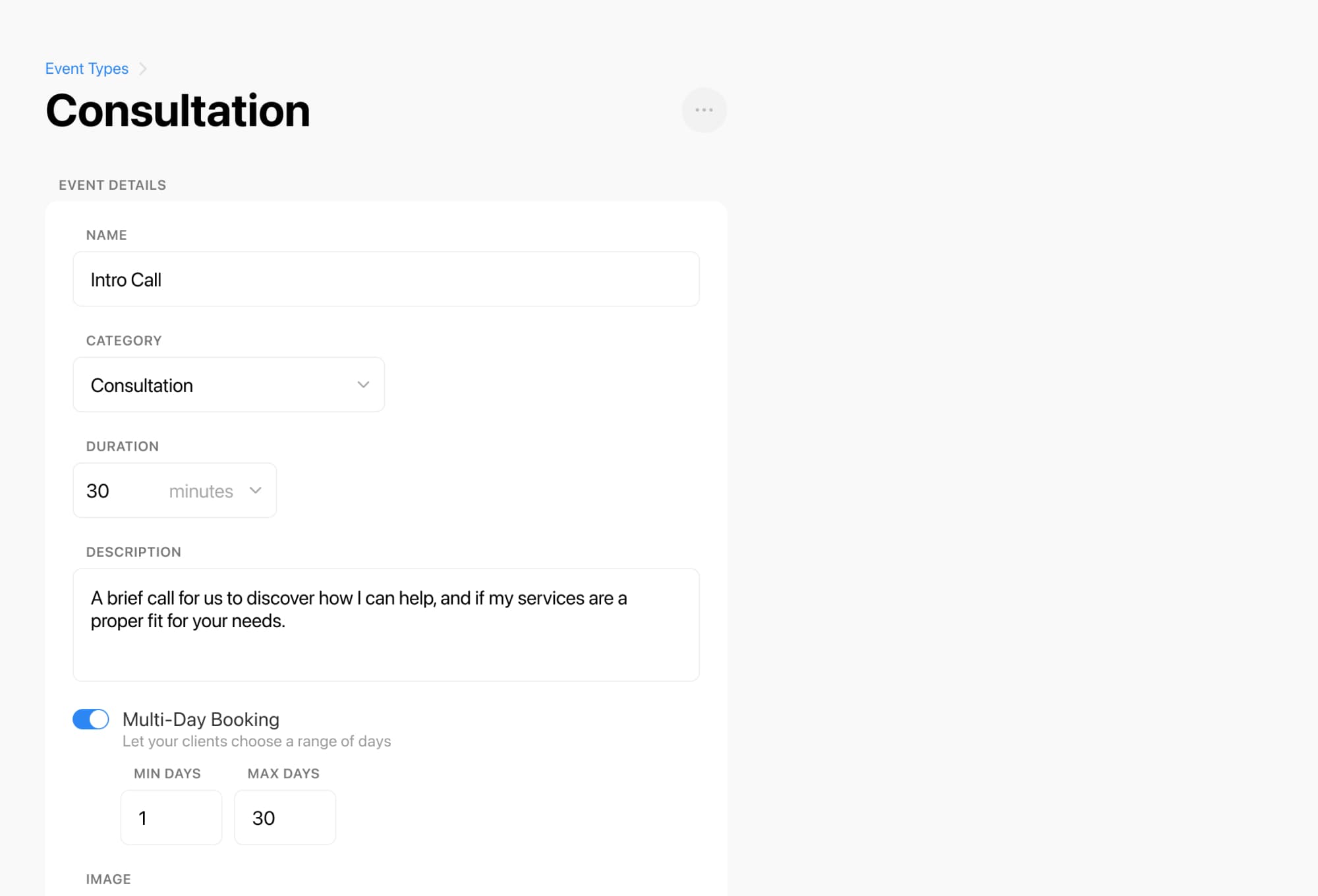
Breely lets you create booking forms that fit the way your art program works. You can customize forms, collect the right information from students, and share booking pages directly on your website.
That makes it easier for visitors to:
For art teachers, that means less back-and-forth and a smoother path from “I’d love to join” to “You’re all set.”
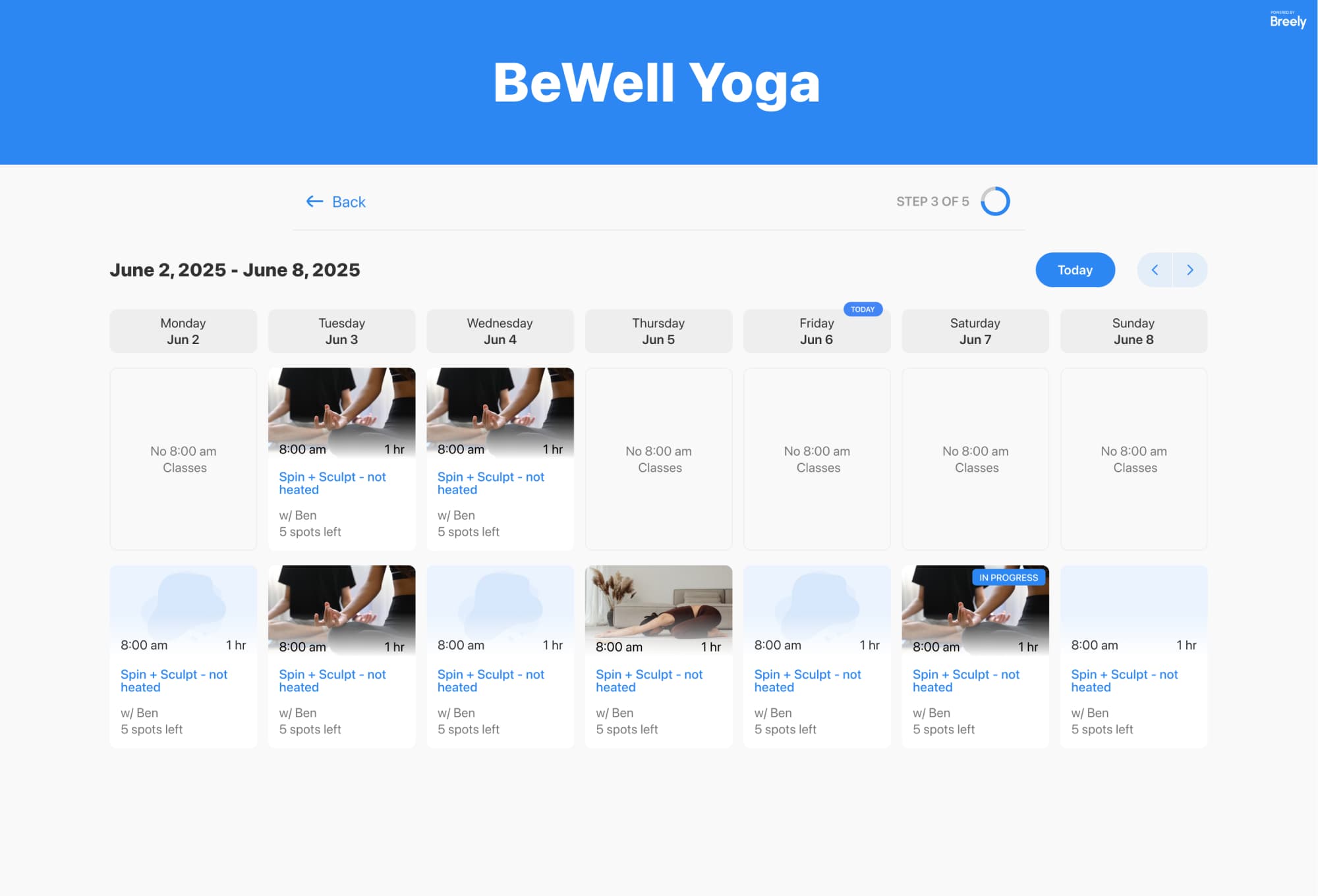
Creative schedules are rarely one-size-fits-all. Breely lets you set regular weekly hours, override hours for specific days, define event-specific availability, and add scheduling limits like booking windows or caps per day or week.
So whether you’re:
—you can adjust things without rebuilding your whole system.
Ready to make room and resource scheduling easier for your art program? Start building a booking flow that keeps teachers, studios, and supplies in sync.
Streamline art room scheduling today
Online booking, reminders, and payments — free to start