Booking Flows That Welcome New Families and Speed Up Returning Bookings

Childcare scheduling should feel simple, not like a scavenger hunt before nap time.
With custom booking flows, you can guide new families through the right first steps while letting returning clients book faster with less back-and-forth. A smart form can ask if someone is a new client, send them down the right path, and show only the booking options that fit.
Not every family should see the same booking journey.
A flexible booking form can start with a simple question like “Are you a new client?” From there, you can direct new families to an introductory visit, tour, or meet-and-greet, while returning clients go straight to the services or classes they already know. This is handled through form sections and conditional logic, so the experience stays organized and easy to follow.
That means you can:

A well-built booking flow does more than collect a date and time.
Forms can include client contact details, phone numbers, appointment booking, class booking, packages, and more. They can also be arranged into sections, reordered, previewed, and customized with logic so the right questions appear at the right time.
Streamline family bookings for every visit
Online booking, reminders, and payments — free to start
For childcare providers, that opens the door to helpful experiences like:
Client login can also help returning families move faster by letting them access booking history, purchased packages, and previously entered information.
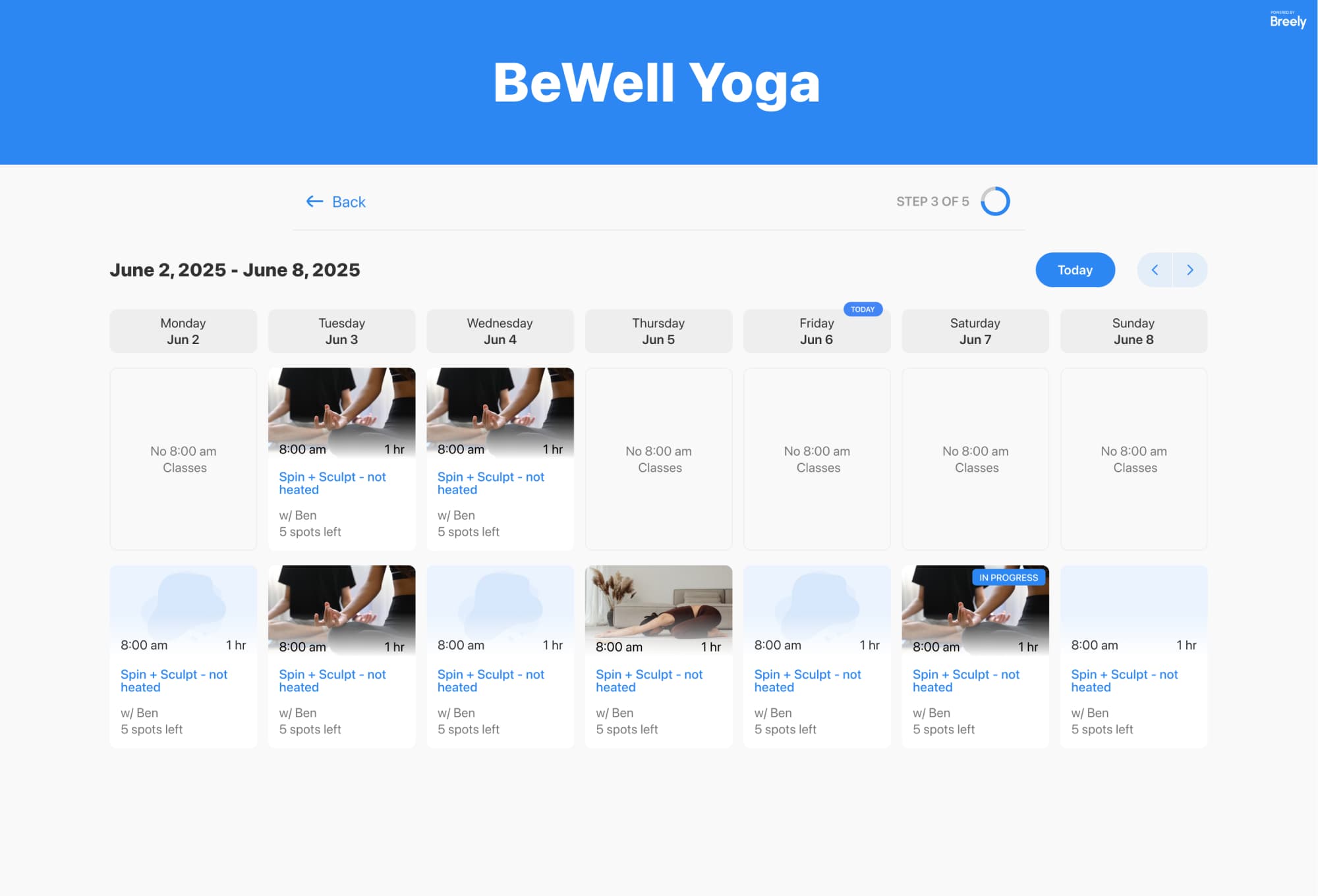
A polished booking experience for parents starts with a tidy setup on your side.
You can define weekly hours, set different hours by day, use overrides for special dates, and even create scheduling limits around when clients can book, edit, or cancel appointments. If you have multiple staff members, each person can also have their own availability.
This helps childcare teams:

Once a booking is made, the experience should keep working for you.
Automations can send messages after scheduling, before appointments, after rescheduling, or after cancellations. You can also apply conditions so the right message goes to the right family at the right time.
That’s useful for things like:
In short: less manual chasing, more confident communication.
When new families need extra guidance and returning clients just want to book quickly, custom flows make both experiences better.
With conditional forms, appointment and class booking, client login, availability controls, and automated follow-up, you can create a booking journey that feels clear, warm, and well organized from start to finish.
Ready to create a smoother booking experience for every family? Let’s build a flow that works for new parents, returning clients, and your team.
Streamline family bookings for every visit
Online booking, reminders, and payments — free to start