Booking Flows That Welcome New Students and Speed Up Returning Ones

Tutoring works best when booking feels easy from the very first click.
With custom booking flows, you can guide new students into the right first session while letting returning clients skip the extra steps and book what they already know they need. Using form logic, it’s possible to ask whether someone is new, then send them to a different section based on the answer. That means new clients can be routed to an intro session, while existing clients can jump straight to regular lesson booking .
Not every student should see the same booking experience.
A smart tutoring flow can help you:
Breely forms support sections, booking questions, and conditional logic so you can change what clients see based on earlier answers . That makes it easier to build a booking experience that feels personal, not one-size-fits-all.

For tutors, the first booking often needs a little context.
You may want to collect:
Forms can include client contact info, phone number fields, file uploads, and flexible question types to gather the details you need before the first session . If clients log in, past information can also pre-fill future forms, which makes repeat booking even smoother .
Upgrade your booking flow today
Online booking, reminders, and payments — free to start
The result: less back-and-forth, more time spent actually teaching.
Once a student is already in your world, booking should feel fast.
Breely’s booking forms can support appointment booking with flexible flow options, and clients can log in to view booking history and use saved information on future bookings . You can also create multiple forms for different needs, which is handy if you want one path for new student inquiries and another for ongoing lesson scheduling .
That means your returning clients can:
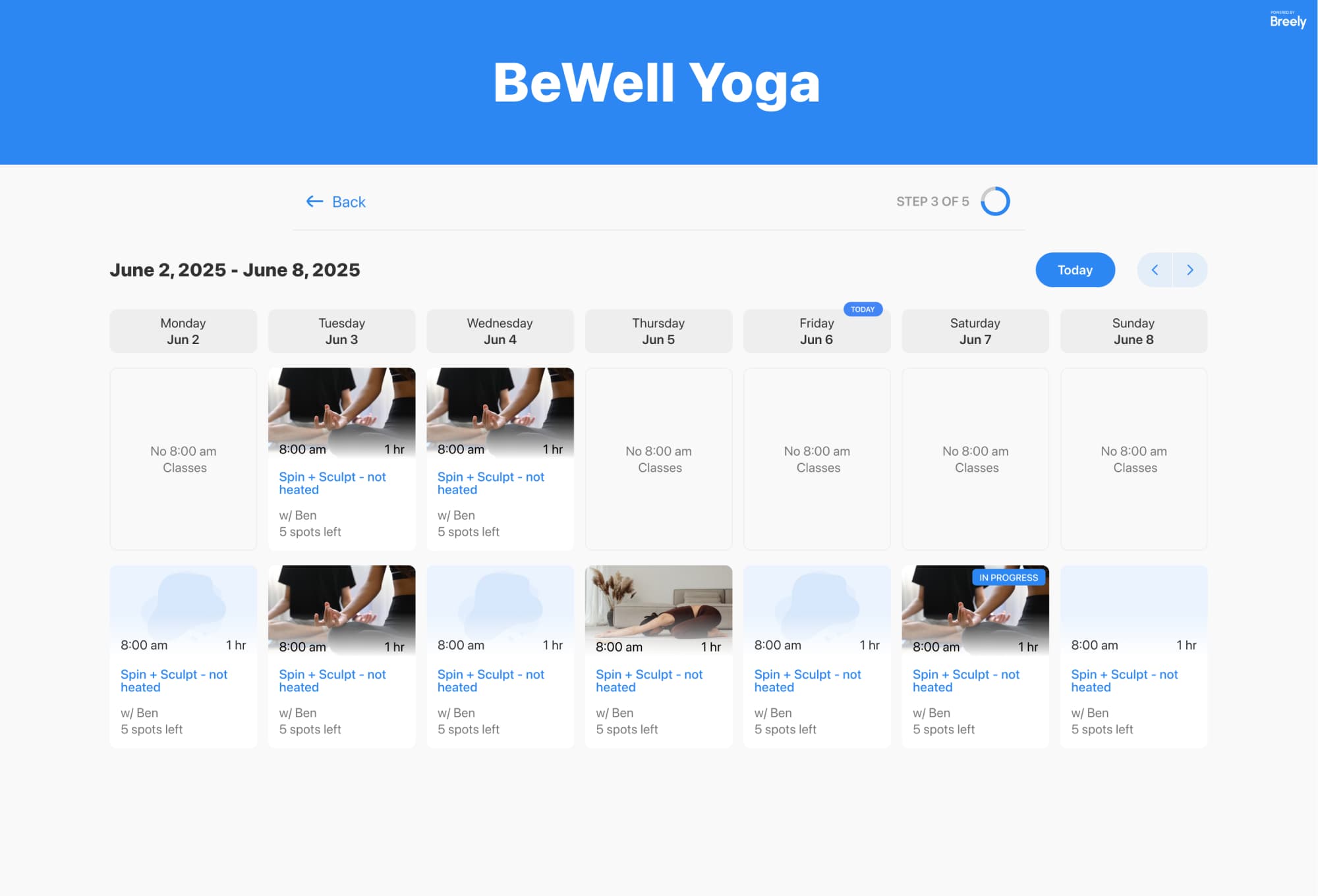
A polished booking flow is only half the story. Your availability matters too.
Breely lets you set weekly hours, override specific days, define different hours by day, and even set hours for specific event types . For tutors, that can be especially useful if you want to separate:
You can also use scheduling limits to control when clients can book, edit, or cancel appointments . In short: fewer surprises on your calendar, which is always a nice bonus.

A good booking flow does more than collect appointments. It sets the tone.
Breely forms can be styled with your branding, including logos, colors, fonts, and backgrounds, so the experience feels like part of your tutoring business rather than a generic scheduling page . You can also embed forms on your website or share them directly, depending on how you want clients to book .
And once someone books, automations can help send confirmations, reminders, and follow-ups by email or text .
Ready to make booking easier for first-time students and even easier for returning ones? Create a custom tutoring flow that guides every client to the right next step.
Upgrade your booking flow today
Online booking, reminders, and payments — free to start