Booking That Feels Easy for New and Returning Swim Clients

A great swim lesson experience starts before anyone gets in the water.
With custom booking flows, you can guide new clients one way and returning clients another—so first-timers get the right intro, and regulars can book in a snap. Breely forms support conditional logic, which means you can ask whether someone is a new client and send them to the right next step automatically.
Not every client should see the same booking path.
For swim instructors, that usually means:
Using conditional logic in your form, you can start with a simple question like “Are you a new client?” and then send each person to a different section based on their answer. That lets you control who can book what, without making the experience feel rigid.

Breely forms can do more than collect names and emails. They can skip questions, rearrange sections, and tailor the experience based on a client’s answers.
That’s especially handy for swim instruction, where you might want to ask:
You can also add client login near the beginning of the form. Returning clients can log in to access booking history, view packages, and have past information pre-filled, which makes repeat booking much faster.
Once your flow is split, you can show each group the options that make sense.
For example:
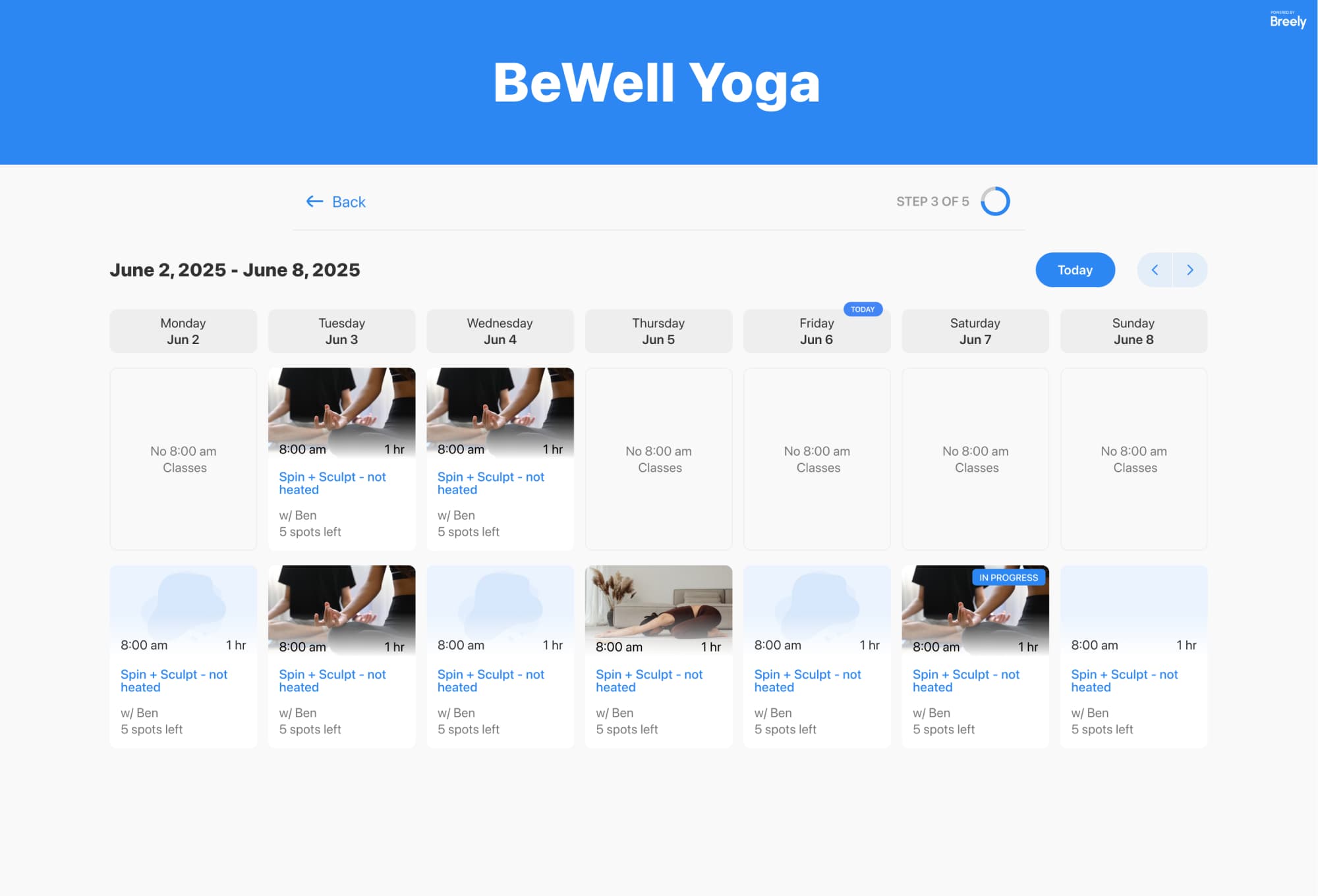
Breely supports appointment booking, class booking, and packages within forms, so you can shape the experience around how you actually teach. Class booking can display available classes on a weekly or monthly calendar, while package options can be shown directly in the form.
Simplify swim bookings for every client
Online booking, reminders, and payments — free to start
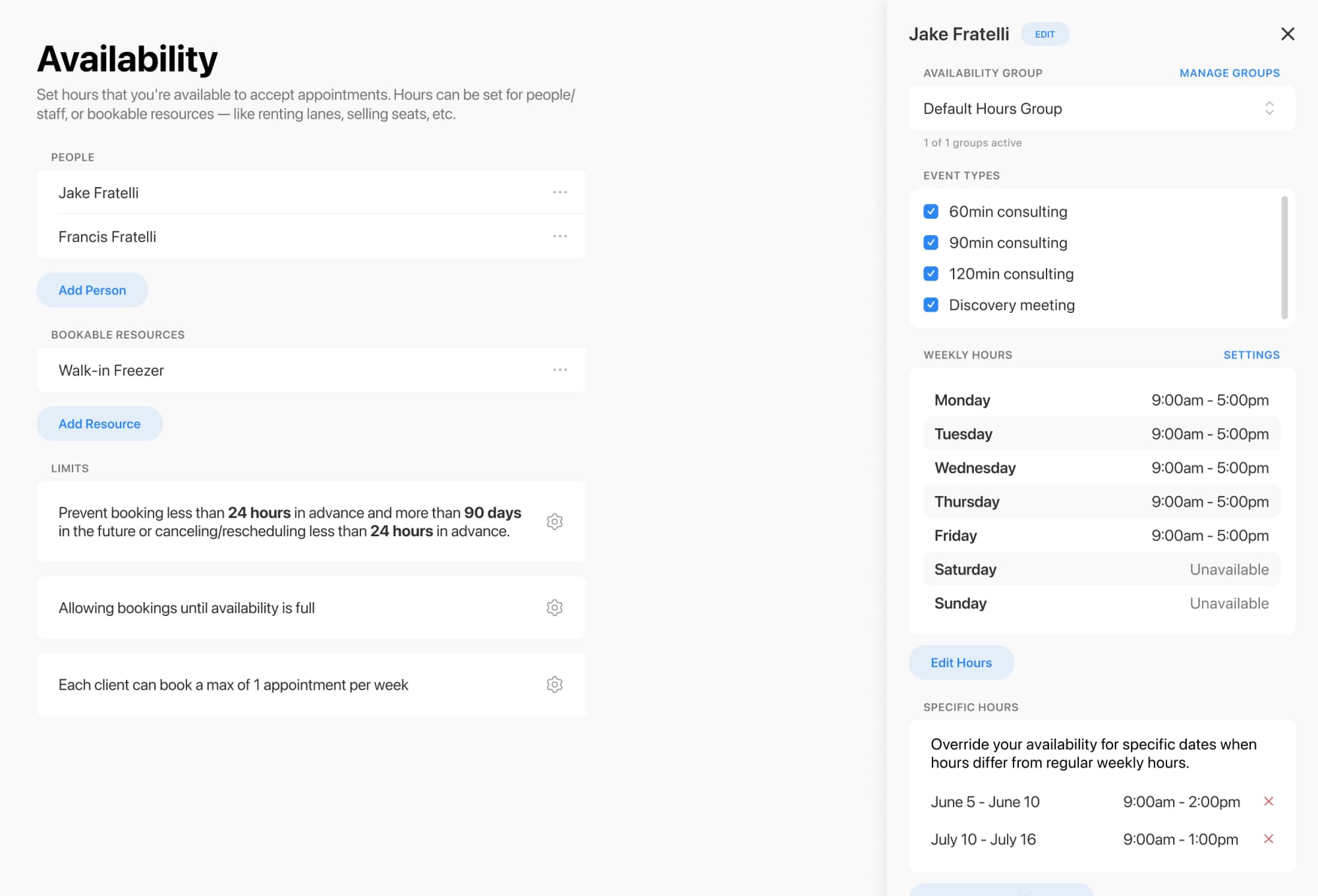
A clean client journey works even better when your availability is set up clearly.
Breely lets you:
That means you can keep intro sessions limited, protect your teaching schedule, and avoid overbooking. In other words: less admin juggling, more time poolside.
Once someone books, the flow does not have to stop there.
Breely automations can send messages after scheduling, before an appointment, after rescheduling, after canceling, or after completion. That makes it easier to send welcome notes to new swimmers, reminders to regulars, or follow-ups after a lesson.
A few easy wins:
The best booking flow feels personal, simple, and just a little bit magical.
If you want new swim clients to feel welcomed and returning ones to move quickly, custom booking paths can do both—without turning your website into a maze.
Set up a smarter booking experience today and make every client’s next step obvious.
Simplify swim bookings for every client
Online booking, reminders, and payments — free to start