Class Scheduling and Waitlists for Home Organizers, Without the Headache

Running workshops, decluttering sessions, and group classes should feel organized before anyone even opens a closet door. With a class scheduling system built for smooth booking and simple waitlists, home organizers can keep classes full, manage capacity, and give clients an easy way to reserve their spot.
Whether you host small in-home sessions, virtual organizing classes, or recurring group events, the goal is simple: less back-and-forth, more booked seats, fewer empty spots.
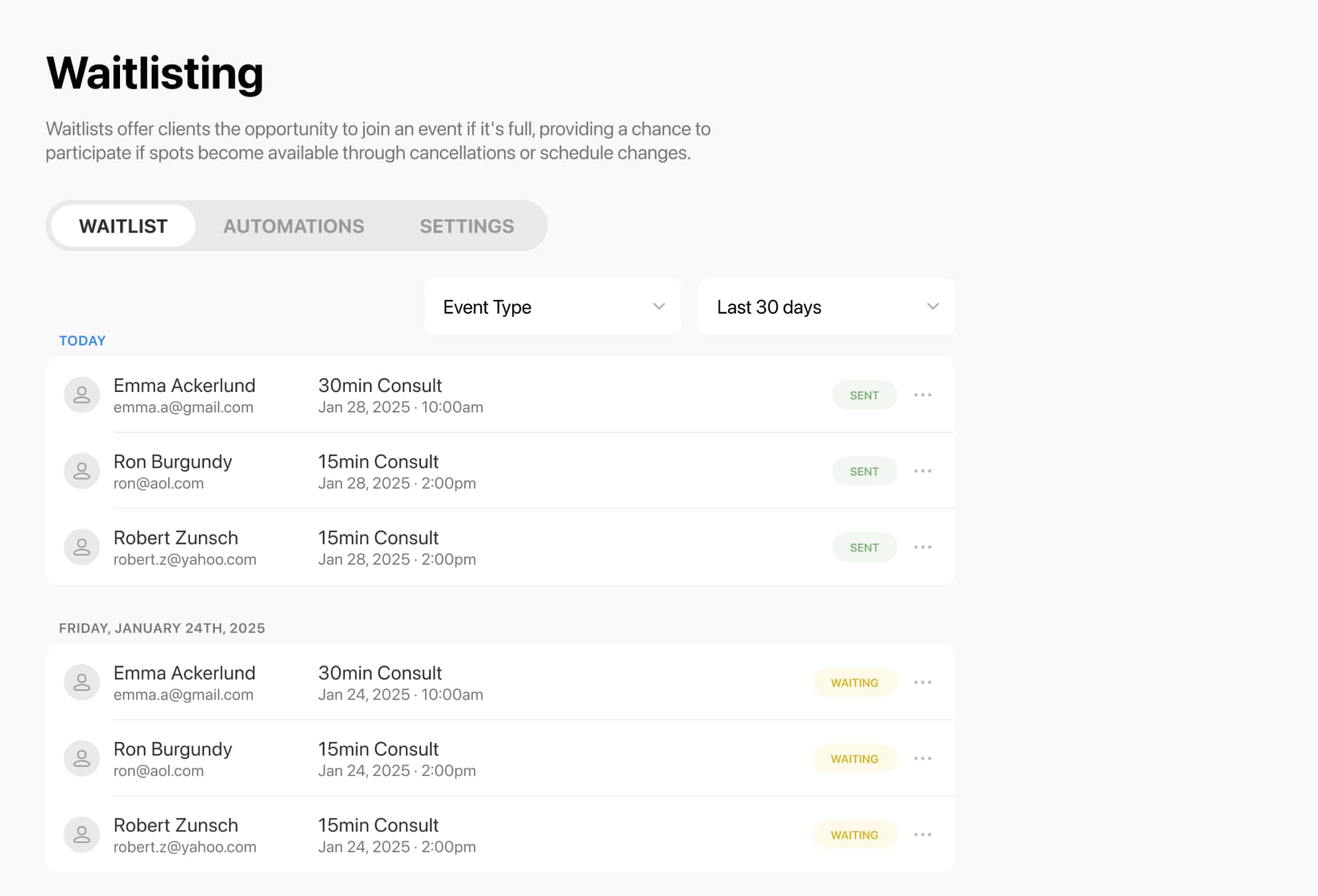
When a class fills up, clients can join a waitlist for that specific session and get notified if a seat opens up. For classes and group events, the waitlist applies to that exact date and time, so people know exactly what they’re waiting for. If a spot becomes available, they can jump in and book it right away.
That means you can:
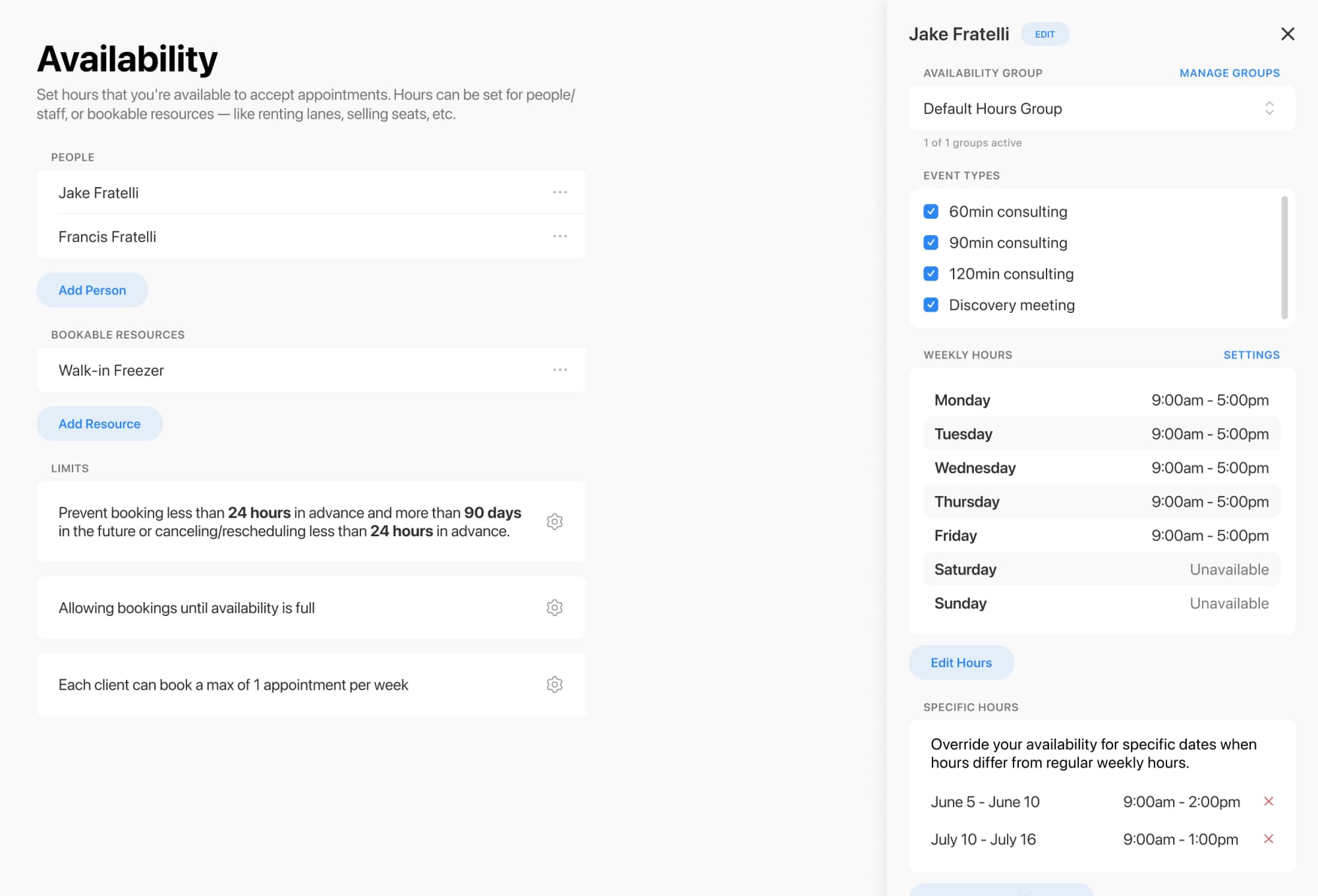
Home organizing businesses often work with limits that are very real: room size, team availability, supplies, or the number of clients you can comfortably support in one session. Availability settings can be customized by regular weekly hours, specific daily overrides, and event type groups, so your schedule matches how you actually work.
You can also manage bookable resources with capacity limits to avoid overbooking shared spaces or other limited resources. Resource constraints help ensure everything needed for a class is available before someone books.
Helpful controls include:
Classes, workshops, and group events can be organized as event types, then shown only where you want them to appear. You can choose which event types are visible on each booking form, making it easier to create separate booking flows for different offers, audiences, or seasonal programs.
This is especially useful for home organizers offering things like:
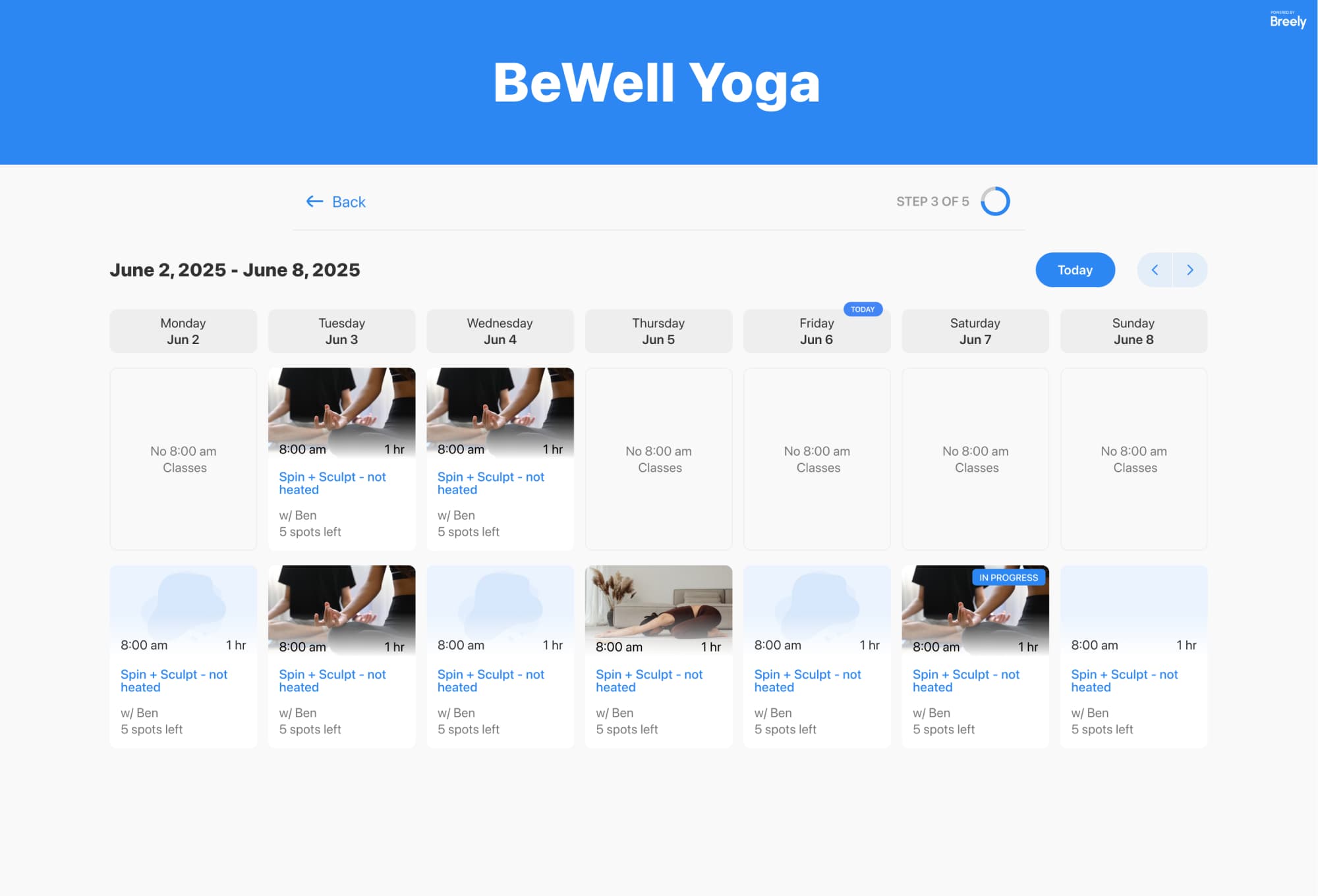
If you run classes, the class booking experience can display available sessions on a weekly or monthly calendar and even filter classes by type.
Simplify scheduling and waitlists today
Online booking, reminders, and payments — free to start
Once waitlisting is enabled, clients can see a “Join Waitlist” option when no times are available on a booking form. On the admin side, waitlist management includes a central list of clients currently waiting, filters by event type, and automation controls for what happens when a spot opens. Settings can notify everyone at once or support a “first in line” approach.
That gives your business a more polished process without turning you into a full-time scheduler.
A good scheduling page should feel simple, clear, and reassuring. With dedicated forms, visible event type controls, and class booking options, you can create a booking flow that feels tailored to your business instead of cobbled together from sticky notes and hopeful emails.
The result:
Ready to make class scheduling feel tidy, efficient, and a little more delightful? Set up a smarter booking and waitlist experience for your home organizing business today.
Simplify scheduling and waitlists today
Online booking, reminders, and payments — free to start