Intake Forms and E-Signatures for Mobile Massage Therapists

When your work happens on the go, your paperwork should keep up.
Create polished intake forms, collect signed agreements, and let clients book with less back-and-forth. With flexible forms, built-in agreement fields, and scheduling tools, you can give clients a smooth experience before you even unpack the table.
A great massage starts with good information. Build forms that collect the essentials ahead of time so you can arrive prepared and focused.
You can include fields like:
If you need different flows for different services, you can create multiple forms and customize each one to match the booking experience.

Need clients to accept your cancellation policy, consent terms, or session guidelines? Add an “Agree to Terms” question directly into your form.
That agreement field is required by default, making it a simple way to collect consent before clients continue. You can place your terms and conditions right in the form so everything is clear, tidy, and easy to complete.
You can also make forms smarter with conditional logic, so follow-up questions appear only when they matter. That means less clutter for clients and better answers for you.
Simplify mobile massage intake and signatures
Online booking, reminders, and payments — free to start
Forms can do more than intake. They can also power appointment booking.
Add an appointment block to turn your form into a scheduling flow, with options to customize how booking works and automate actions tied to scheduled, rescheduled, or canceled appointments.
That’s especially helpful for mobile massage businesses that need a little structure without feeling rigid.
You can set rules such as:
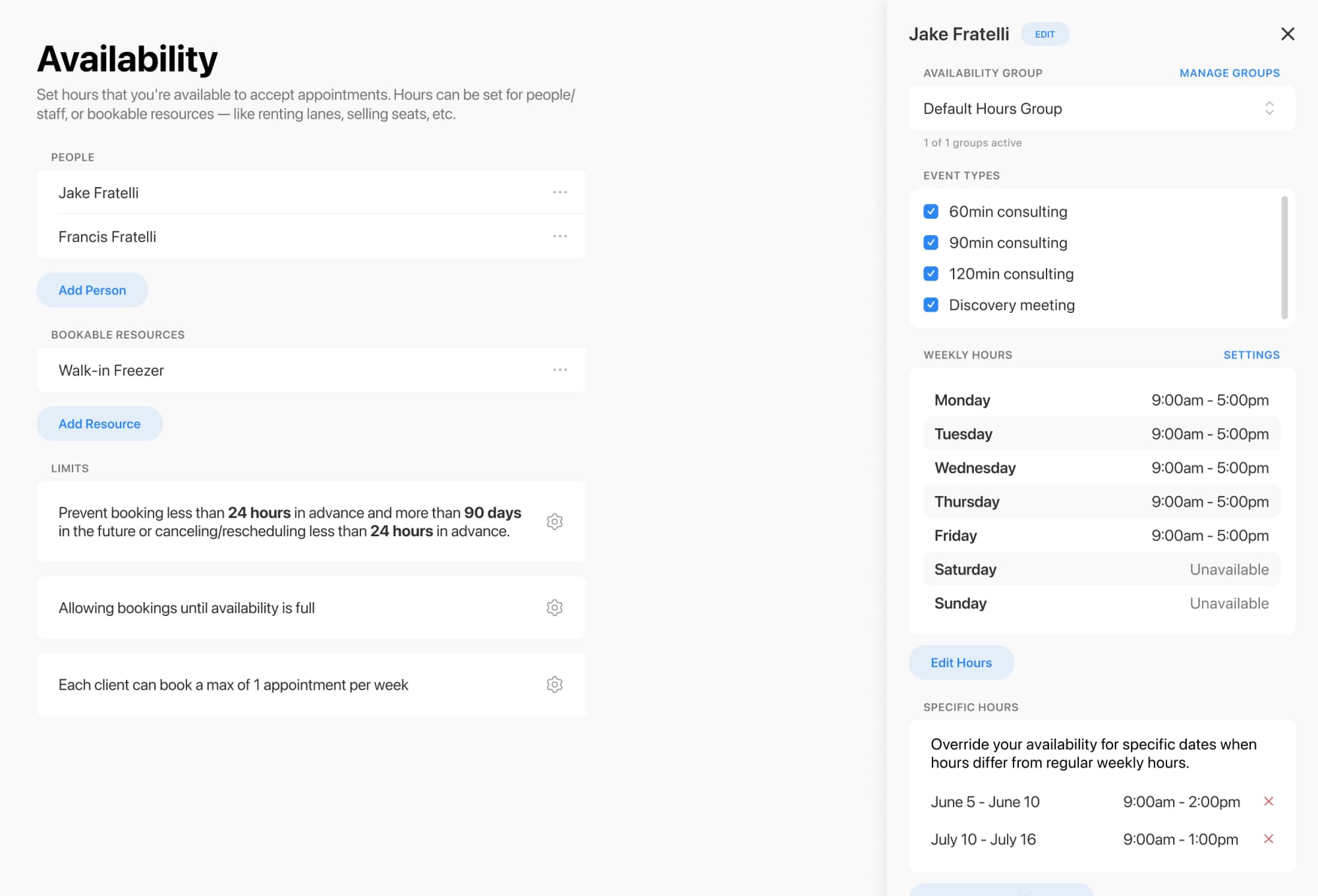
If you manage multiple therapists or limited treatment spaces, resource constraints can help prevent overbooking. The platform even includes examples specifically for massage therapists and massage rooms.
Your forms are private by default, so only people with the direct link can access them. Share that link anywhere you like, or embed the form directly on your website. You can also use a pop-up embed if you want a cleaner page layout.
To keep everything on-brand, you can customize:
And once a form is submitted, automations can help with the follow-through:

Mobile massage already asks you to juggle enough. Your intake and signature process shouldn’t add to the chaos.
With flexible forms, required agreement fields, appointment scheduling, automations, and branded sharing options, you can create a booking experience that feels calm, professional, and easy from the first click to the final exhale.
Ready to streamline intake forms and client sign-offs for your massage business? Start building a form that works wherever your practice takes you.
Simplify mobile massage intake and signatures
Online booking, reminders, and payments — free to start