Intake Forms and E‑Signatures for Online Course Creators

Make enrollment feel easy from the very first click.
With Breely, online course creators can build intake forms that collect the right details, guide students through a smooth signup flow, and capture digital signatures when needed. Forms can include booking and class registration elements, collect contact details, accept file uploads, and support payments for paid offers or registrations. Signed forms are timestamped, uneditable after signing, and available as downloadable PDFs .
Great course experiences start before lesson one.
Use intake forms to gather the basics, learn more about each student, and keep registration organized without the back-and-forth. Breely forms support a wide range of question types, including contact info, paragraph fields, dropdowns, file uploads, class booking, and signature fields, so you can build a flow that fits your course or program .
This is especially handy when you want to:

Nobody wakes up hoping to fill out a clunky form.
Breely lets you organize forms into sections, add required questions, reorder fields, preview the experience, and customize the look with branding like logos, colors, fonts, and backgrounds . You can also add conditional logic so the form adapts based on a student’s answers.
That means you can:
Breely’s form logic can skip or rearrange questions as needed, helping you create a cleaner experience for every type of learner .
When a signature matters, it should be simple.
Breely includes a Signature question type that lets people sign or type their name directly on the form. Once a signature is added, the form becomes digitally signed, timestamped, and uneditable. You can also download a PDF copy of the signed form for your records .
This works well for:
Simplify course onboarding with e signatures
Online booking, reminders, and payments — free to start
If you also need a required checkbox for policies or terms, Breely offers an “Agree to Terms” question type designed for that purpose too .
A good intake flow does more than collect answers.
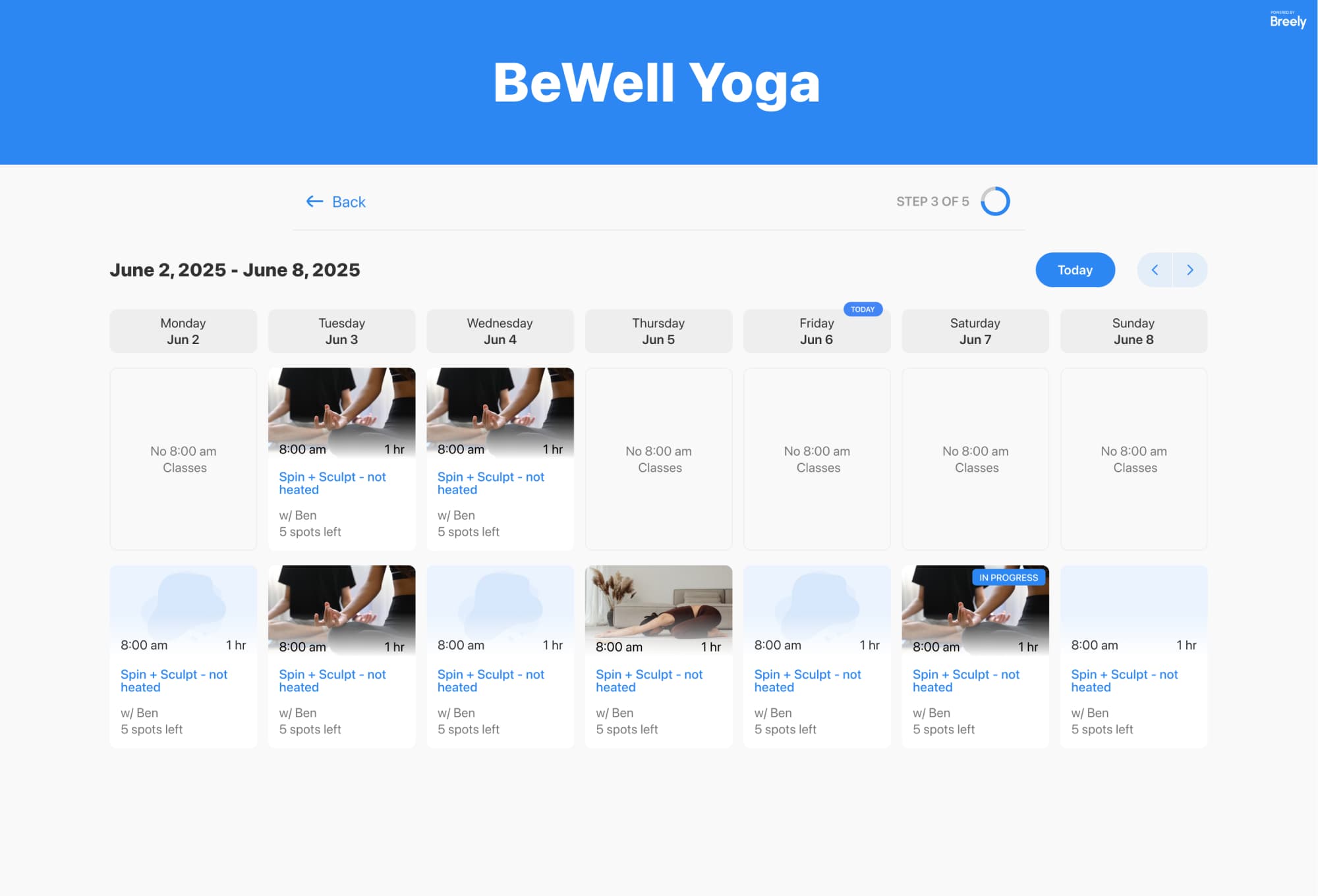
Breely forms can include class booking, appointments, packages, add-ons, and payment-related options, making it easier to connect intake with the next step in the customer journey . You can also add forms directly to your site or share them with a direct link, which is handy when promoting a course, workshop, or cohort signup page .
And once someone submits a form, automations can help with the follow-through:
Breely supports automation by email, text message, and webhook, helping you stay responsive without adding more admin to your day .
If your course business runs on forms, approvals, registrations, and a whole lot of “just one more question,” Breely helps simplify the process.
You can create branded intake forms, collect e-signatures, guide students with smart logic, and keep everything moving from interest to enrollment with less friction and fewer manual steps.
Ready to create a better intake experience for your online courses? Start building your form and make signup feel refreshingly simple.
Simplify course onboarding with e signatures
Online booking, reminders, and payments — free to start