Intake Forms and E-Signatures for Tennis Coaches, Without the Paper Chase

Spend less time emailing PDFs, chasing signatures, and piecing together player details. With customizable intake forms, built-in digital signatures, and booking tools in one place, you can keep lessons, clinics, and client info moving smoothly.
Whether you coach juniors, adults, private lessons, or group clinics, your forms can collect exactly what you need before anyone steps on the court.
Use forms to gather:
Breely forms support a wide range of question types, including contact info, phone number, file upload, dropdowns, checkboxes, long-answer fields, and agreement fields, so you can build forms that fit your coaching style instead of forcing your process into a tiny box .

Need a waiver, policy acknowledgment, or signed intake form? You can add a signature field directly to your form.
Once a client signs, the form becomes digitally signed, timestamped, and uneditable. You can also download a PDF copy of the signed form, which is handy when you want clean records without digging through inboxes .
That means you can confidently collect signatures for things like:
There’s also an “Agree to Terms” field designed specifically for required agreements, so clients must confirm key policies before moving forward .
Streamline tennis coaching paperwork today
Online booking, reminders, and payments — free to start
A good intake form should do more than ask questions. It should help clients take the next step.
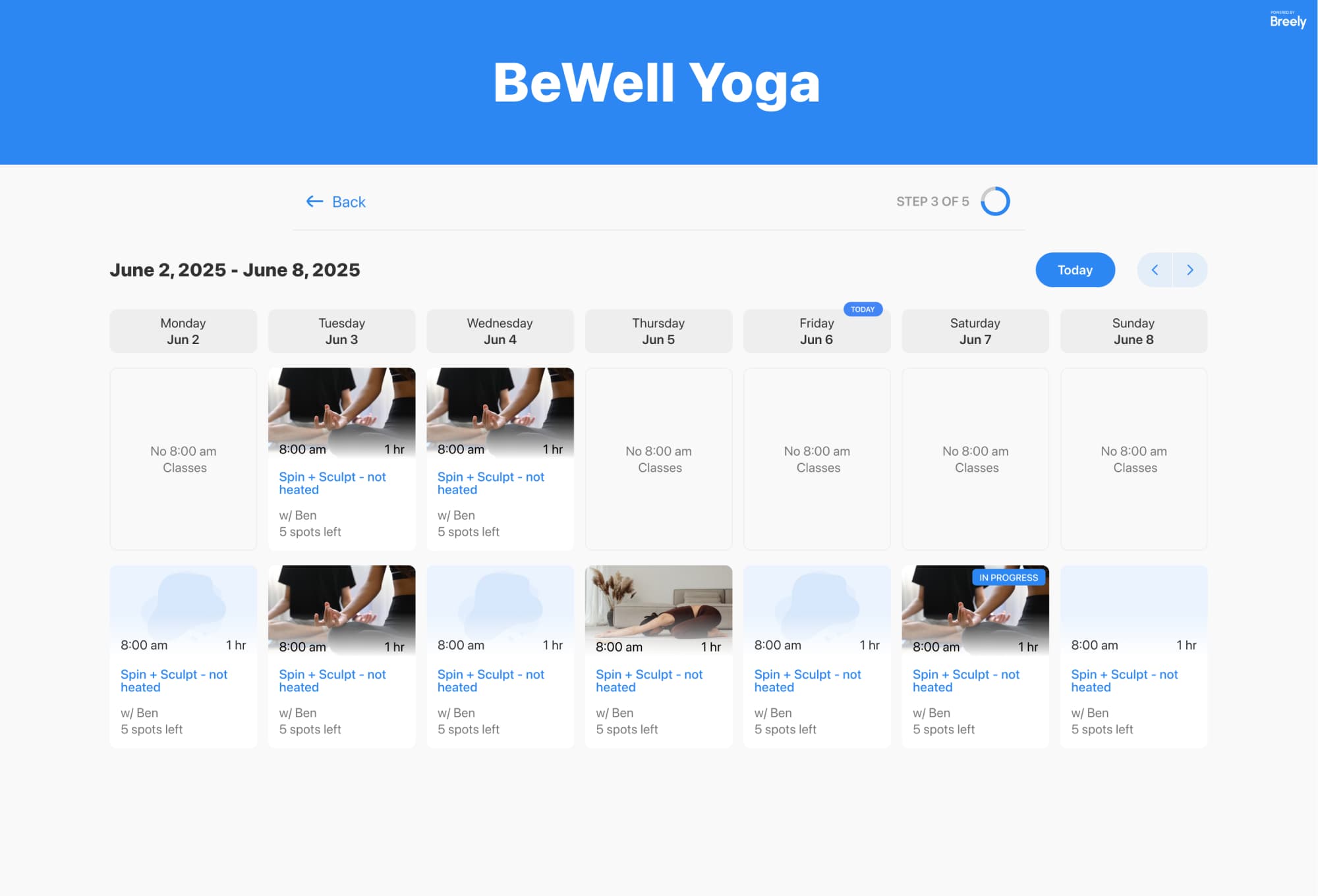
Breely forms can include appointment booking for private sessions and class booking for group programs. Appointment questions can be customized around booking flow, event types, staff selection, recurring appointments, and more, while class booking can display available classes in weekly or monthly calendar views .
That makes it easier to create one smooth experience where a player can:
Forms are not just public-facing. They can also support your internal workflow.
Breely forms can be shared with a direct link, embedded on your website, or even restricted so they are only accessible when embedded on your site . Forms are private by default unless you share them, which is helpful for admin-only or staff-assisted booking workflows .
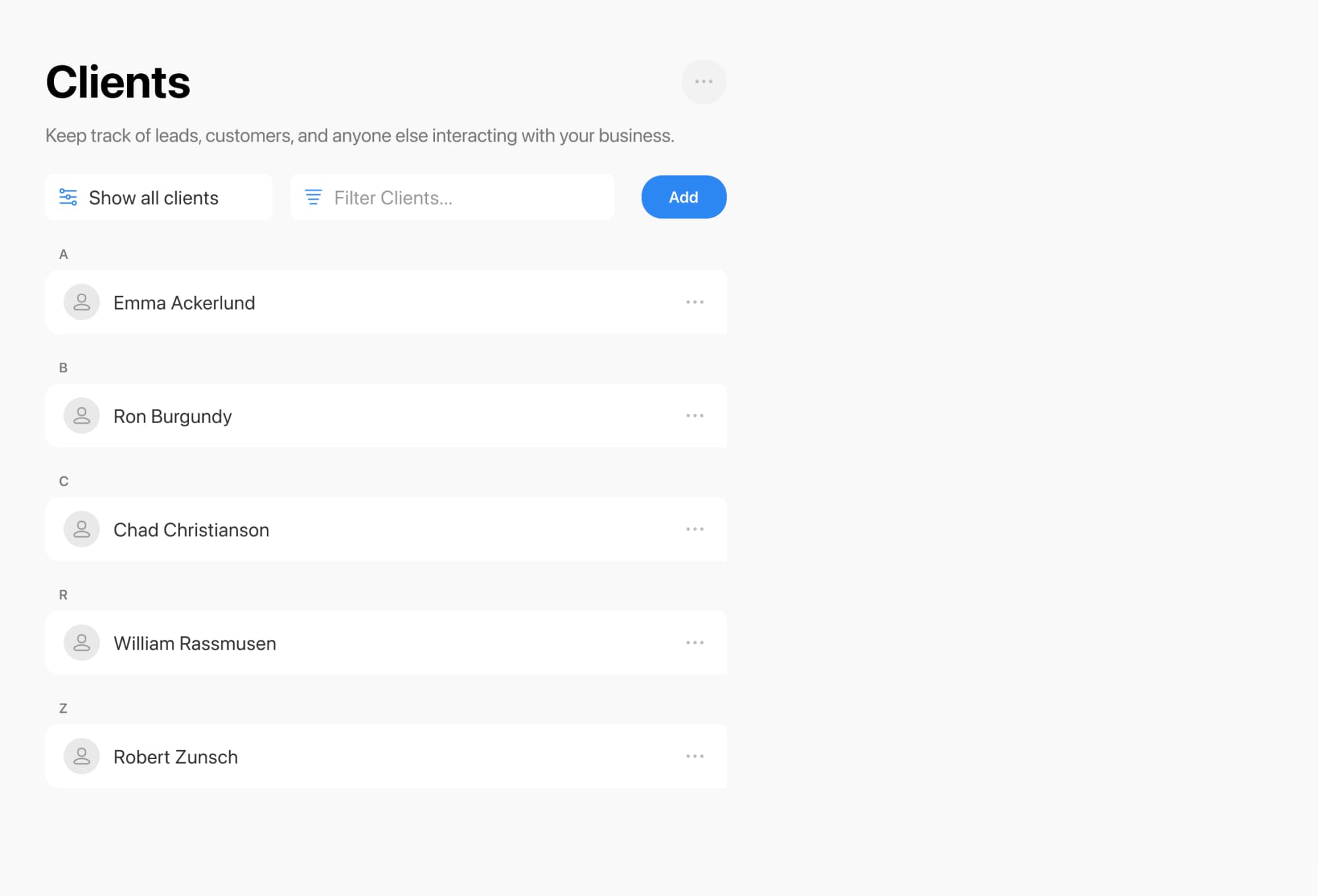
Clients can also log in through a form, and if they’ve filled it out before, past information can pre-fill future submissions. That can save repeat players and busy parents a surprising amount of time .
If your current setup involves attachments, follow-up texts, and a little too much “just checking in,” this is your sign to simplify it.
A smarter intake and e-signature system helps tennis coaches:
Ready to make registration easier for you and your players? Set up a form, add your signature field, and turn your intake process into something that actually feels like an ace.
Streamline tennis coaching paperwork today
Online booking, reminders, and payments — free to start