Intake Forms and E-Signatures for Tennis Coaches

Running a tennis program means more than booking court time. You also need waivers, player details, parent consent, and a clean way to collect signatures without chasing paperwork.
This kind of software helps tennis coaches turn intake into a smooth, professional flow: collect client info, guide players through the right questions, capture digital signatures, and keep everything organized in one place. Forms can include required questions, multiple sections, conditional logic, and a final thank-you page after submission .

A good intake form should feel simple on the front end, even when it’s doing a lot behind the scenes.
For tennis coaches, that can mean collecting:
Forms can be built with sections and different question types, then reordered as needed for a cleaner flow . You can also mark questions as required, preview the full form before sharing, and style it with your logo, colors, and branding .
For tennis coaches, e-signatures are the real time-saver. Instead of emailing PDFs back and forth, clients can sign directly inside the form.
The documented signature field lets clients sign or type their name on the form. Once a signature is added, the form becomes digitally signed, timestamped, and uneditable, and a PDF copy of the signed form can be downloaded .
That’s especially useful for:
In short: less clipboard, more court time.
Not every player needs the same questions. New students may need a full intake, while returning players may only need a quick update.
Conditional logic makes that possible by showing different sections based on earlier answers . For example, you can ask whether someone is a new client, then send first-time players to a full onboarding section while returning players go straight to booking .
That helps tennis coaches:
Streamline tennis coaching with digital forms
Online booking, reminders, and payments — free to start
Intake works even better when it’s tied to the rest of your coaching workflow.
Forms can be shared by direct link or embedded on your website as a standard embed or pop-up . They can also connect to booking flows, collect client information, and trigger automations after submission or based on appointment activity .
That means you can streamline tasks like:
Breely’s documented automations include email, text message, Slack notifications, custom field updates, phone calls, and webhooks, depending on your setup .

Whether you coach private lessons, junior development, camps, or group clinics, organized intake helps you look more polished and stay more efficient.
The platform documentation also supports multiple forms for different needs, website embeds, appointment booking, payment collection through Stripe, and branded form design . So instead of one catch-all form, you can create separate experiences for:
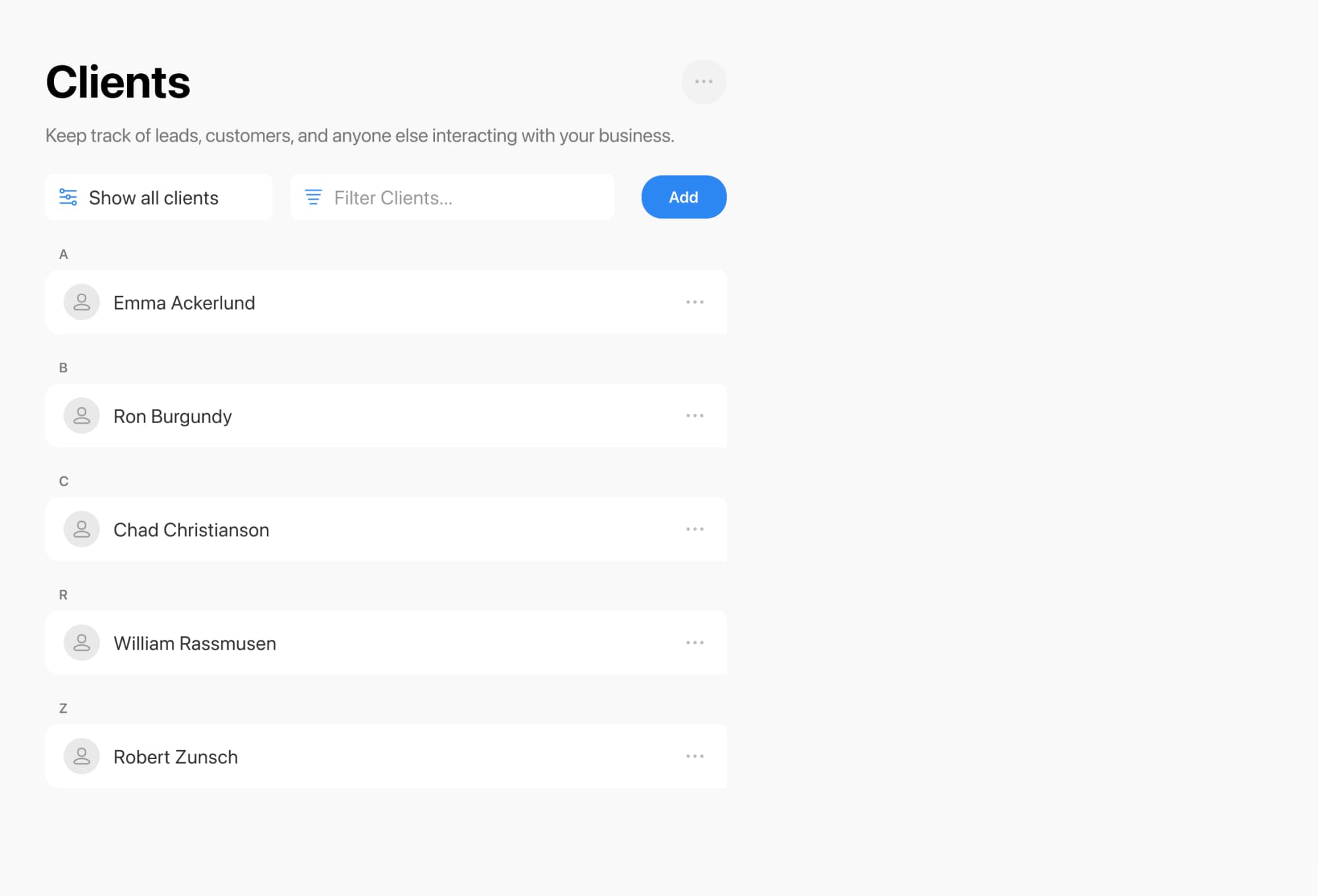
Ready to simplify player intake, collect e-signatures, and spend less time on admin? Create a cleaner booking and onboarding experience for your tennis coaching business today.
Streamline tennis coaching with digital forms
Online booking, reminders, and payments — free to start