Keep Every Lesson Full with Class Scheduling and Waitlists for Golf Instructors

Running junior clinics, group lessons, and specialty sessions should feel smooth, not like chasing range balls in the parking lot.
With a class scheduling and waitlist system built for flexible booking, golf instructors can offer classes online, manage availability, and fill open spots fast when plans change. Clients can join a waitlist directly from the booking form, and when a seat opens, notifications can go out automatically so the spot gets claimed quickly.
Whether you teach beginner group lessons, short-game workshops, or recurring clinics, you can organize classes in a way that makes sense for your program.
You can:
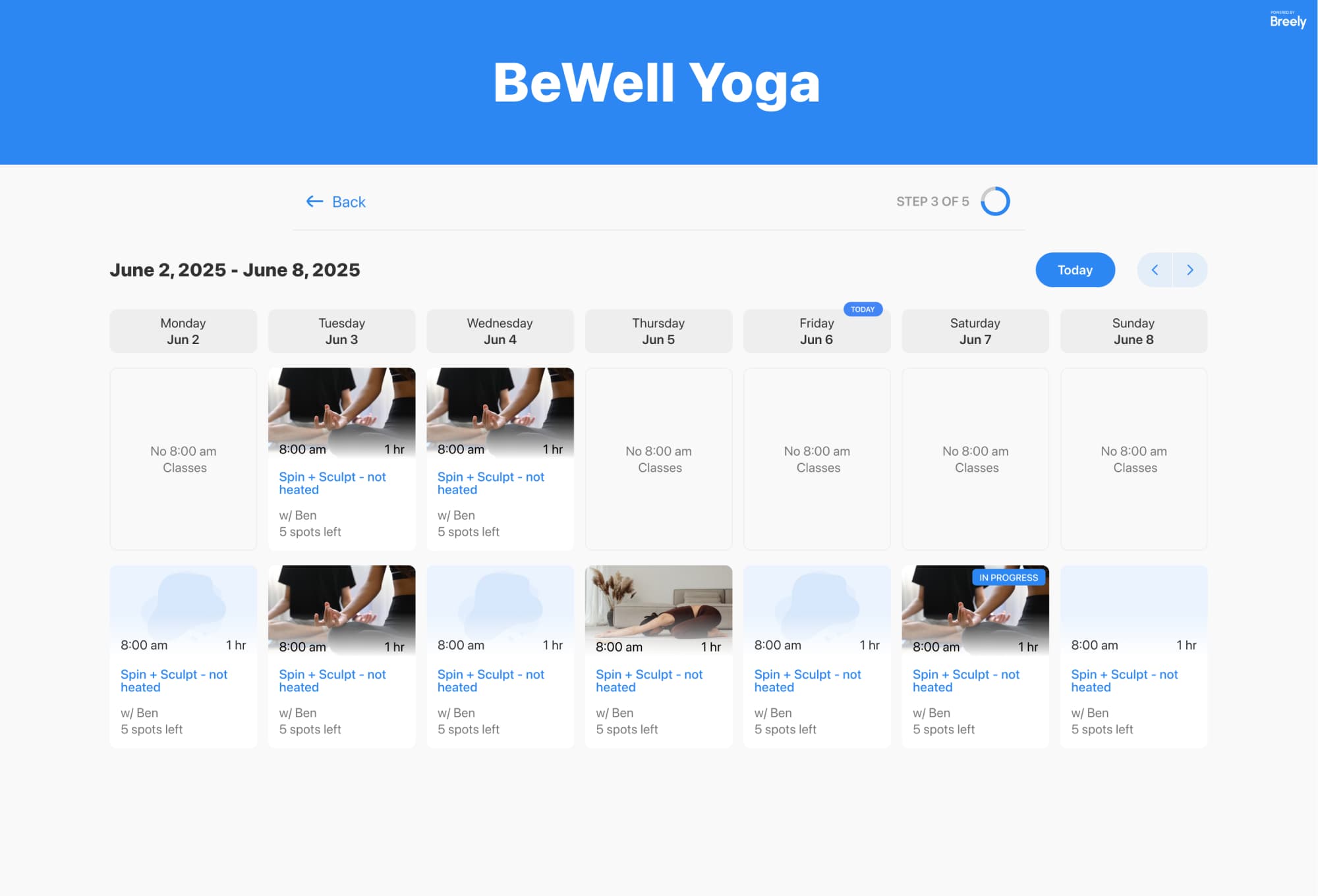
Golf instruction rarely fits into a one-size-fits-all calendar. You may teach private lessons, group classes, and on-course sessions all in the same week.
A flexible scheduling setup helps you:
That means fewer scheduling surprises and more time actually spent coaching swings instead of sorting spreadsheets.
Fill every golf lesson faster
Online booking, reminders, and payments — free to start
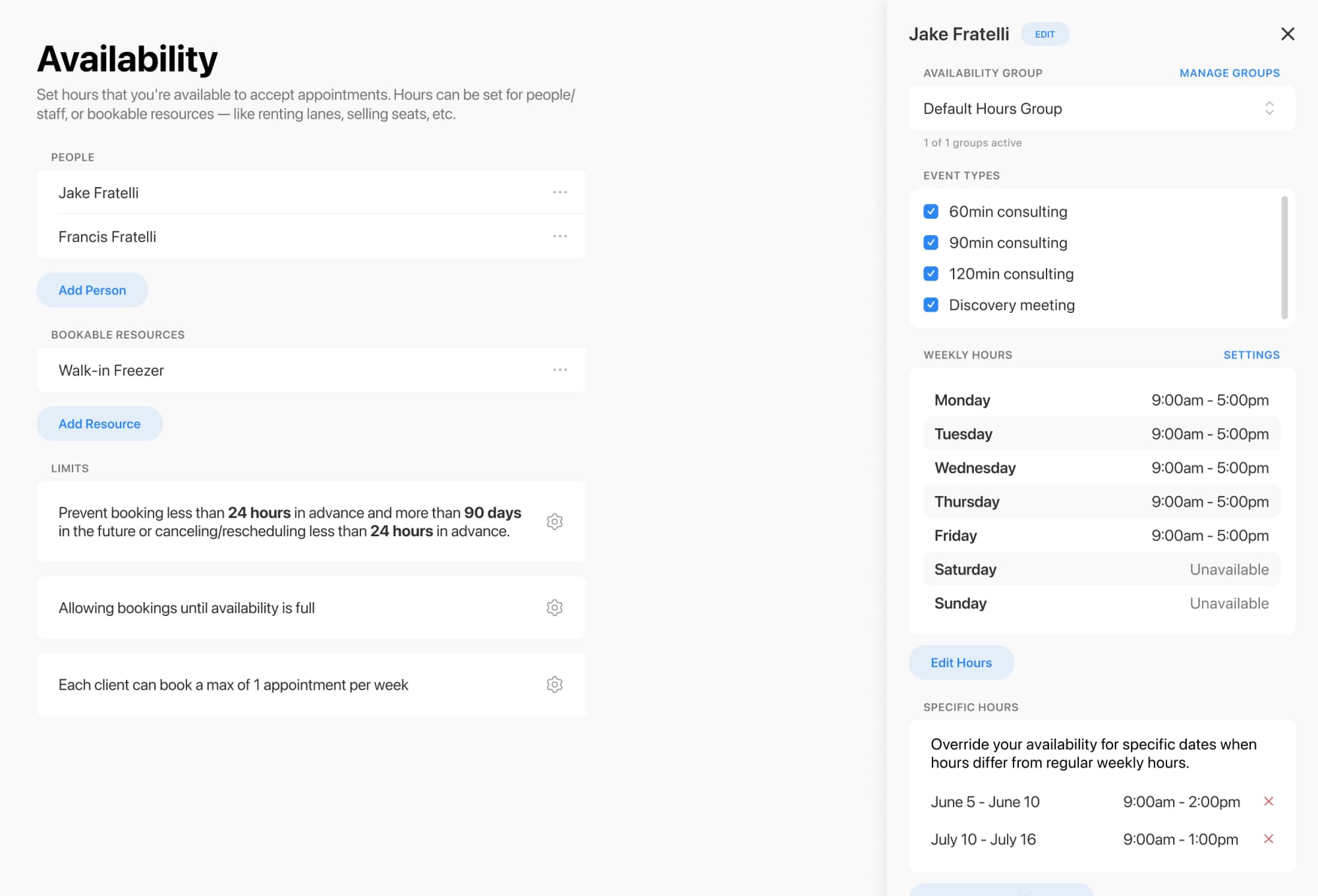
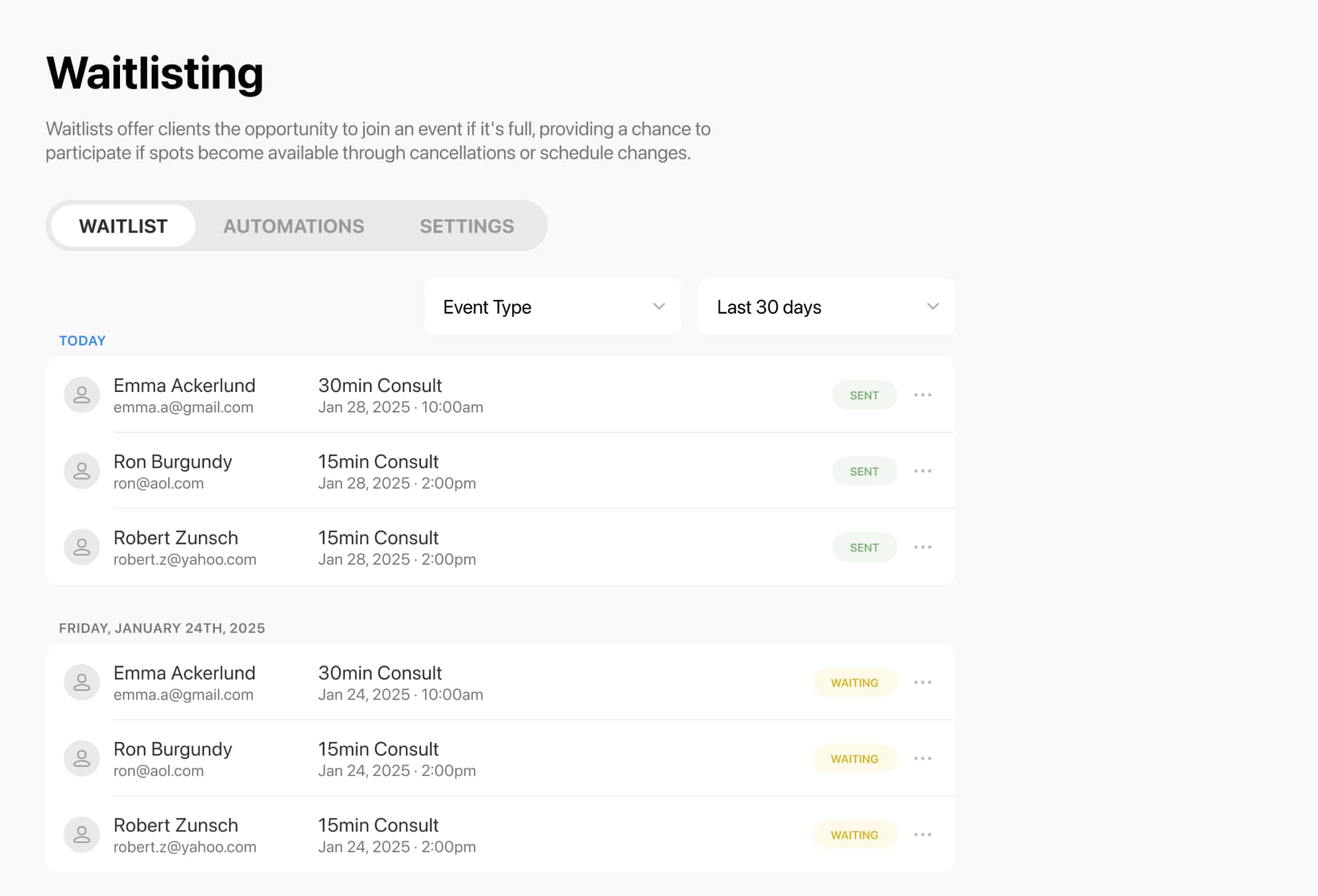
Cancellations happen. The good news: empty spots do not have to stay empty.
For classes and group events, clients can join a waitlist for a specific class session when it is full. If a seat opens up for that date and time, they can be notified and book the available spot. You can also choose how notifications work, including notifying everyone at once or using a first-in-line approach.
That’s especially helpful for:
A modern booking flow does more than put names on a calendar.
With the right setup, you can:
The result is a booking experience that feels polished for clients and practical for your team.
If you want a simpler way to schedule golf classes, manage availability, and turn waitlists into filled spots, it may be time for a better system.
Set up your class booking flow, open the waitlist, and let your schedule work a little harder for you.
Fill every golf lesson faster
Online booking, reminders, and payments — free to start