Room and Resource Scheduling for Golf Instructors

Running golf instruction means juggling more than tee times. You may be coordinating private lessons, group clinics, indoor bays, practice areas, and a growing client list—all without wanting a scheduling headache.
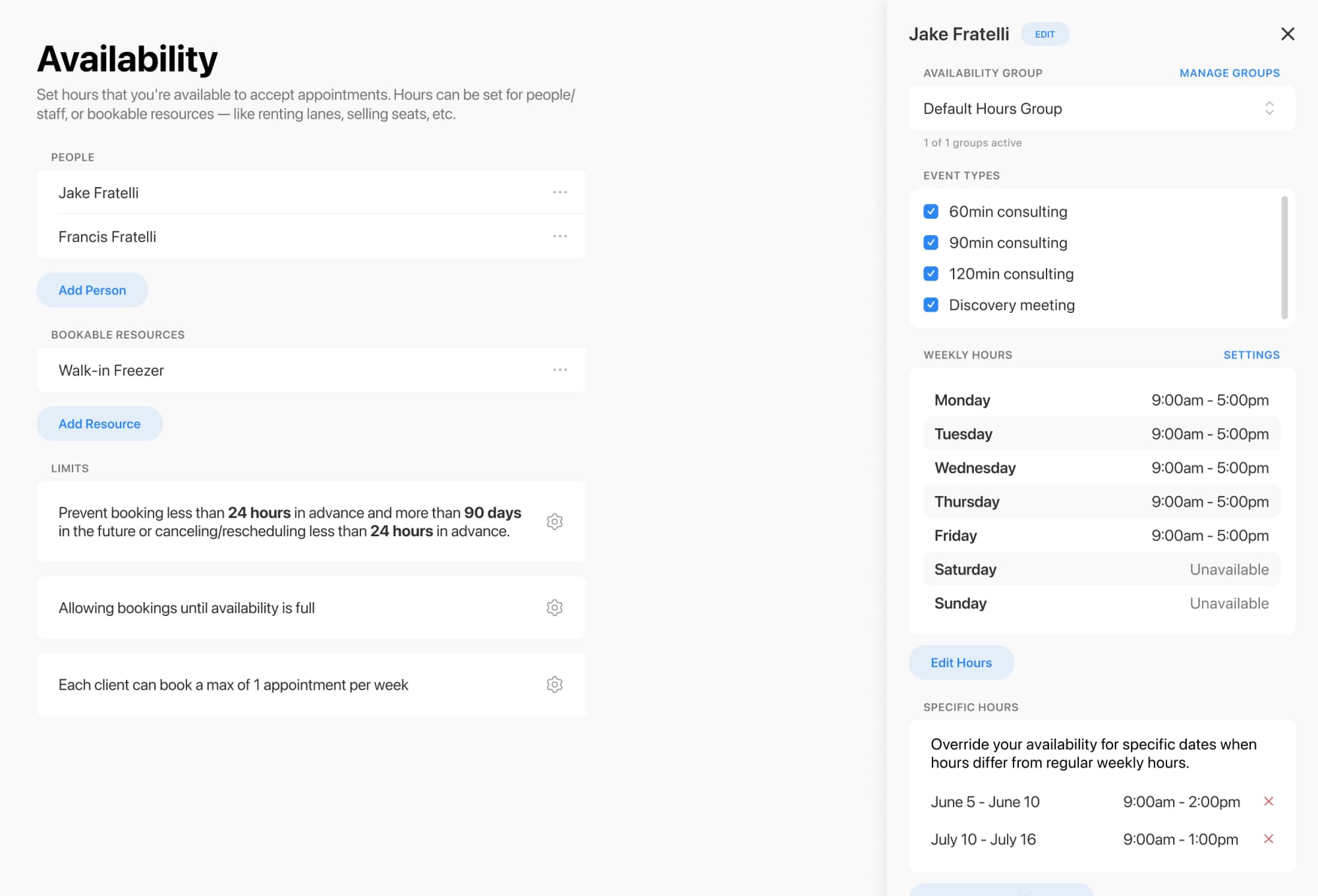
With flexible availability settings, booking rules, and room/resource constraints, you can keep your calendar organized and help prevent double-booking when multiple instructors share the same space or equipment
Whether you teach one-on-one sessions or run larger programs, you can set up different event types and organize them in a way that makes sense for your business. Categories help keep offerings tidy, and event types can be public or hidden for special booking flows or invite-only sessions
Helpful scheduling options include:
In short: more control for you, less calendar chaos for everyone.
If you have more instructors than teaching spaces, resource constraints help make sure appointments only book when the right room or resource is available. These constraints work behind the scenes, so clients see a smooth booking experience while your business stays within real-world capacity
That’s especially useful for golf instruction setups like:
Bookable items can also have capacity limits, which helps avoid overbooking spaces and resources

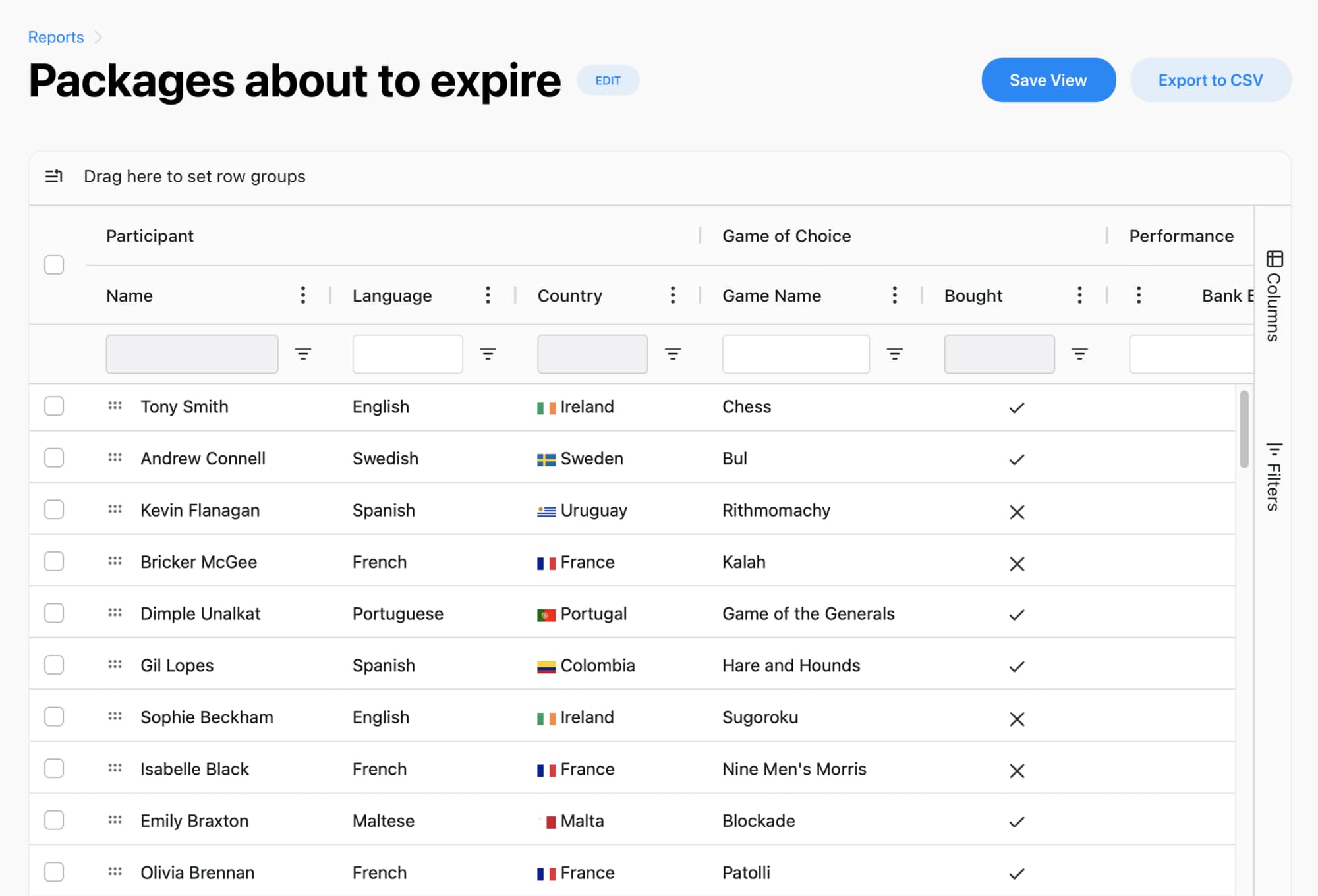
Scheduling is only part of the story. Reporting gives you an at-a-glance view of bookings, clients, forms, classes, and revenue in one place, with filters, grouping, and export options to match your workflow
You can create reports for:
Optimize your golf lesson scheduling today
Online booking, reminders, and payments — free to start
That means fewer guesses, more useful insights, and a much easier time answering questions like “Which lesson type is busiest?” or “How full are our clinics?”
A better booking experience helps clients commit faster and come back more often. Separate scheduling pages, branded forms, and customizable booking flows make it easier to guide each golfer to the right lesson, clinic, or package
You can also support the admin side of the business with tools for forms, packages, invoices, client management, and more, so your scheduling setup doesn’t live on an island by itself
Ready to simplify room and resource scheduling for your golf instructors? Start building a booking flow that keeps your coaches, spaces, and clients moving in the right direction.
Optimize your golf lesson scheduling today
Online booking, reminders, and payments — free to start