Automated Reminders and Follow-Ups for Online Course Creators

Keep students informed, engaged, and ready for what’s next—without spending your day chasing replies.
Breely helps you automate reminders and follow-ups around bookings and forms, so your communication keeps moving even when you’re busy teaching, recording, or building your next course. You can trigger messages after scheduling, before an appointment, after completion, after canceling, and after rescheduling .
Online courses run smoother when students get the right message at the right time.
With automations in Breely, you can:
That means fewer no-shows, fewer “Oops, I forgot,” and a lot less copy-pasting.
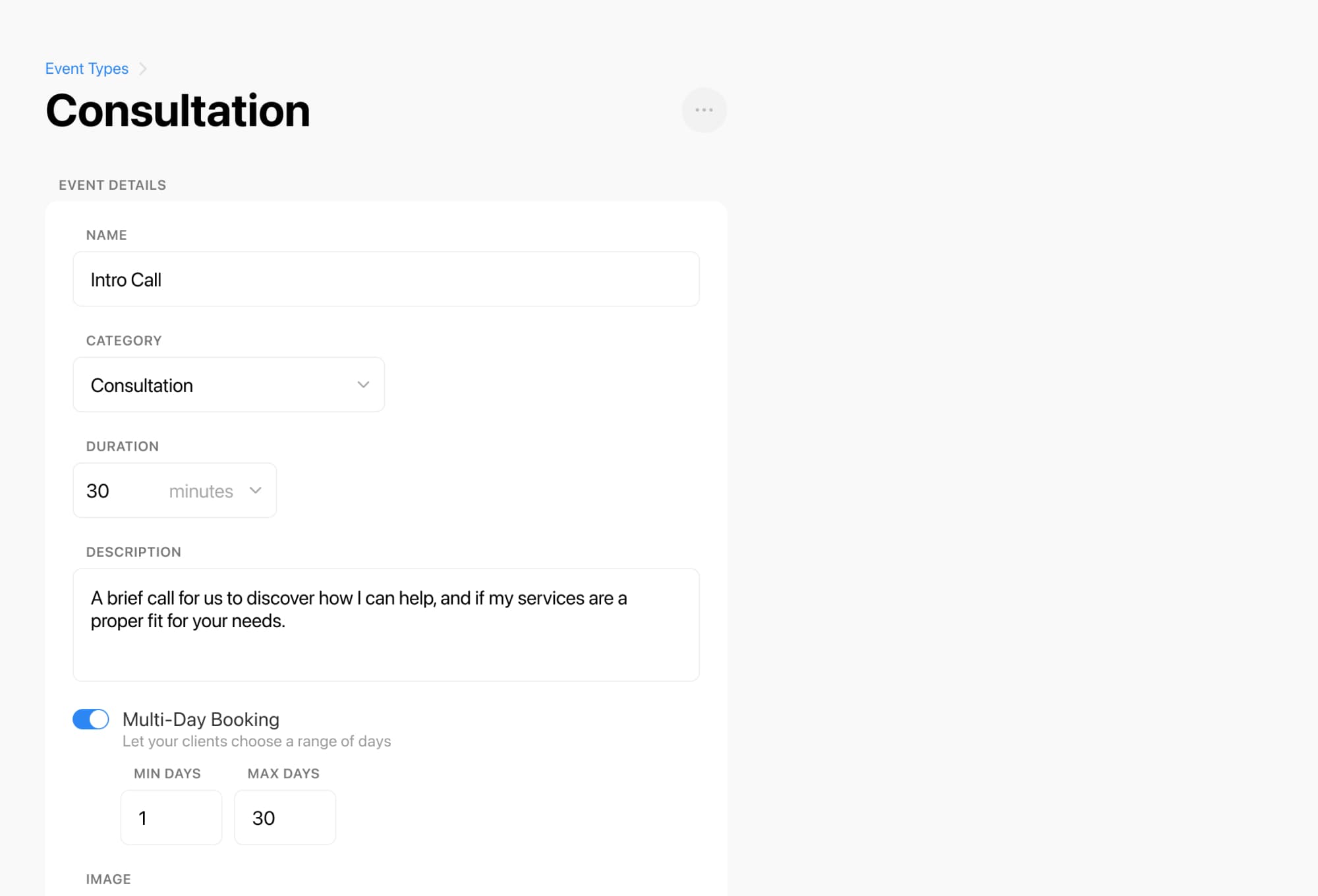
Breely supports automation actions like email, text message, Slack notifications, custom field updates, phone calls, and webhooks .
That gives course creators plenty of flexibility to support different moments, like:
You can also add conditions so automations only run when specific rules are met, which is handy when you want different follow-ups for different offers, forms, or student milestones .
Every form can include its own automations, which makes it easier to tailor communication for different programs, classes, or booking experiences .
For example, you might create separate flows for:
Breely also lets you customize default messages and set up conditional sends based on form criteria, so your reminders and follow-ups feel relevant instead of robotic .
Automate course follow ups now
Online booking, reminders, and payments — free to start

Automated communication works best when it’s connected to a clear booking flow.
Breely makes that easier by letting you manage forms, bookings, and automations together. You can edit a form, open the Automations tab, and modify or add notifications based on key appointment moments like scheduled, upcoming, completed, canceled, or rescheduled .
That helps you create a smoother experience for both your students and your team:

A thoughtful reminder can boost attendance. A well-timed follow-up can keep students engaged. And an automated system can save your sanity.
If you’re ready to spend less time managing messages and more time growing your course business, Breely can help you put reminders and follow-ups on autopilot.
Start building smarter student communication today.
Automate course follow ups now
Online booking, reminders, and payments — free to start