Scheduling Software for Golf Instructors That Keeps Your Day on Course

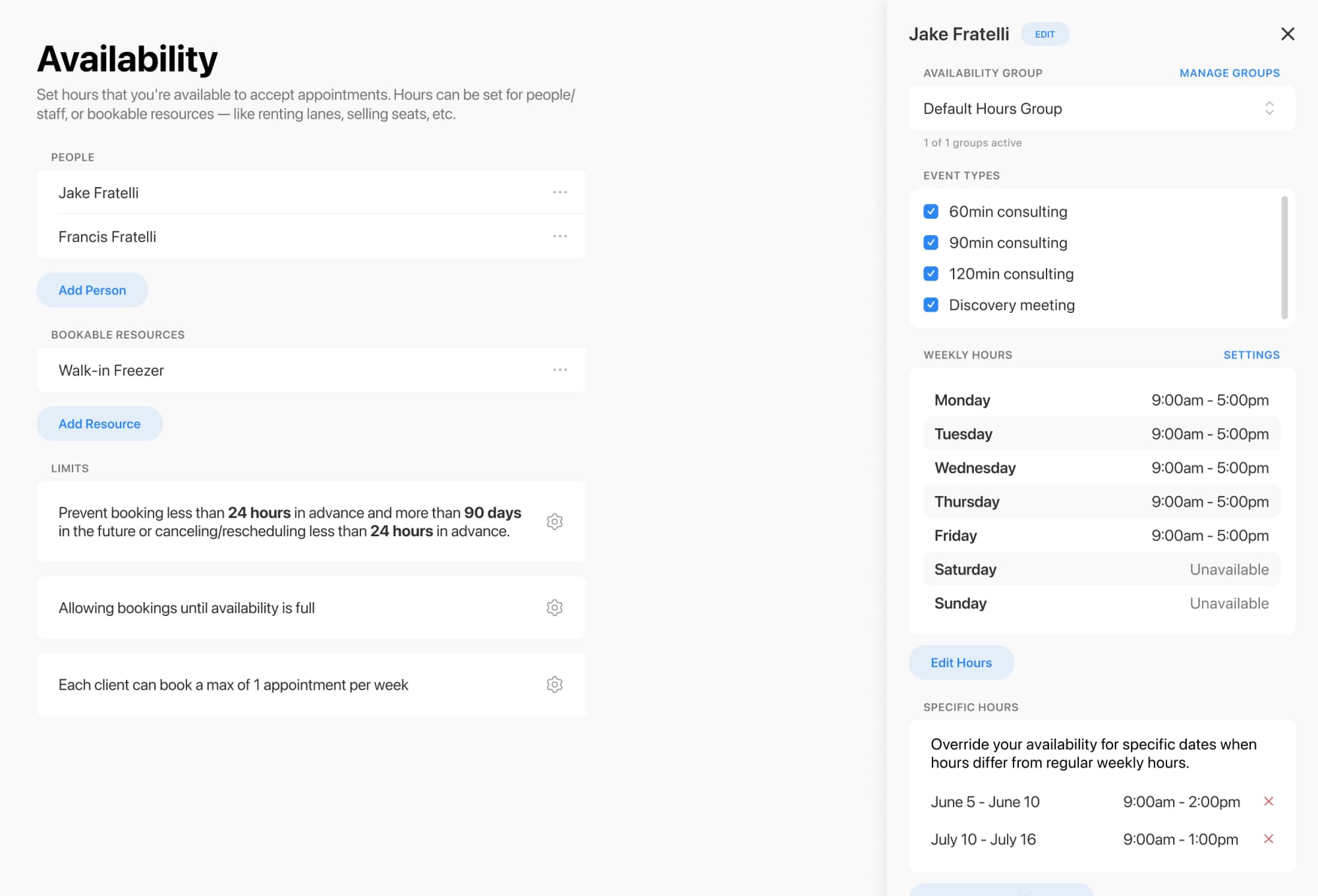
Running golf instruction means juggling more than lessons. You’re managing tee times, practice bays, simulators, group clinics, and a calendar that can fill up fast. With flexible scheduling for people, rooms, and other bookable resources, you can keep everything organized without the double-booking drama. Breely supports availability by staff member, bookable resources with capacity limits, and room/resource constraints to make sure appointments only happen when the right space or setup is actually available
Golf instruction rarely happens in just one place. You may offer:
Breely lets you schedule both people and other bookable things, so you can reserve an instructor, a hitting bay, or another physical resource automatically as part of the same booking flow
It also supports capacity limits and resource constraints, which is a fancy way of saying your software can help prevent “three lessons, two bays, one big problem” situations
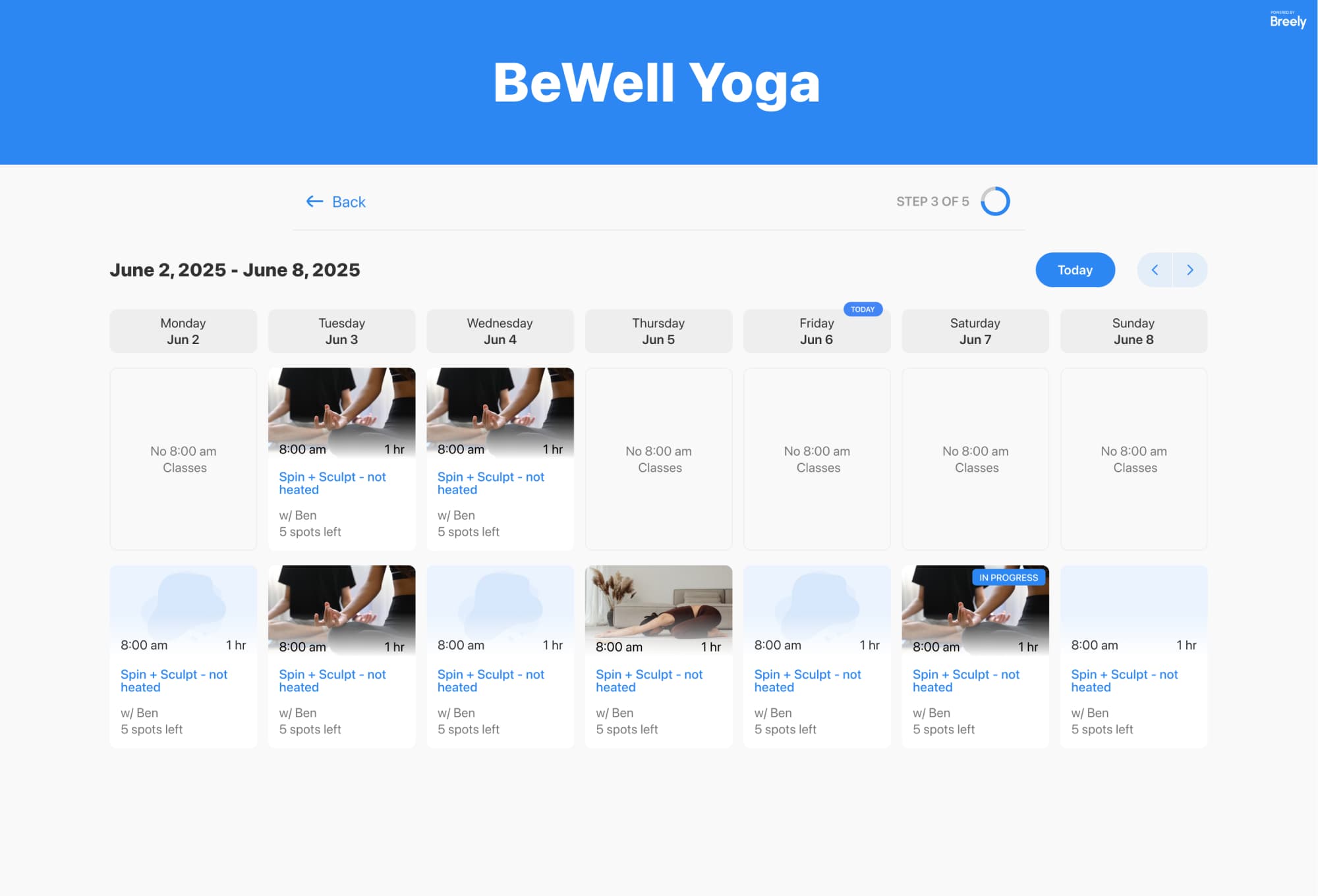
Today’s clients want to book quickly, clearly, and without sending three follow-up texts. With customizable booking forms, you can collect the details you need up front, tailor questions based on the session type, and present only the lesson or clinic options you want clients to see
That means you can create booking flows for:
You can also create multiple booking pages for different offers, instructors, or programs, instead of forcing everything into one catch-all page
Golf instruction schedules change with weather, seasonality, tournaments, and plain old life. Breely makes it easier to stay flexible with options to:
This is especially helpful for instructors who split time between private coaching, clinics, and facility access. You stay in control of your workload, and clients still get a smooth self-service booking experience.

A great scheduling system should do more than fill your calendar. It should help you communicate consistently too.
Keep your golf lessons perfectly on course
Online booking, reminders, and payments — free to start
Breely supports automations that can send messages after scheduling, before an appointment, after a session, after a cancellation, or after a reschedule. These can be used for confirmations, reminders, follow-ups, and other client communication by email, text message, or webhook
You can also support packages and assign them to a client’s email so bookings redeem automatically, with no coupon-code treasure hunt required
Whether you’re a solo coach or running a larger golf instruction operation, room and resource scheduling software can help you simplify the moving parts.
A strong setup helps you:
If you’re ready to spend less time managing the calendar and more time improving swings, now’s a great time to upgrade your booking experience. Start building a smoother scheduling system for your golf instruction business today.
Keep your golf lessons perfectly on course
Online booking, reminders, and payments — free to start